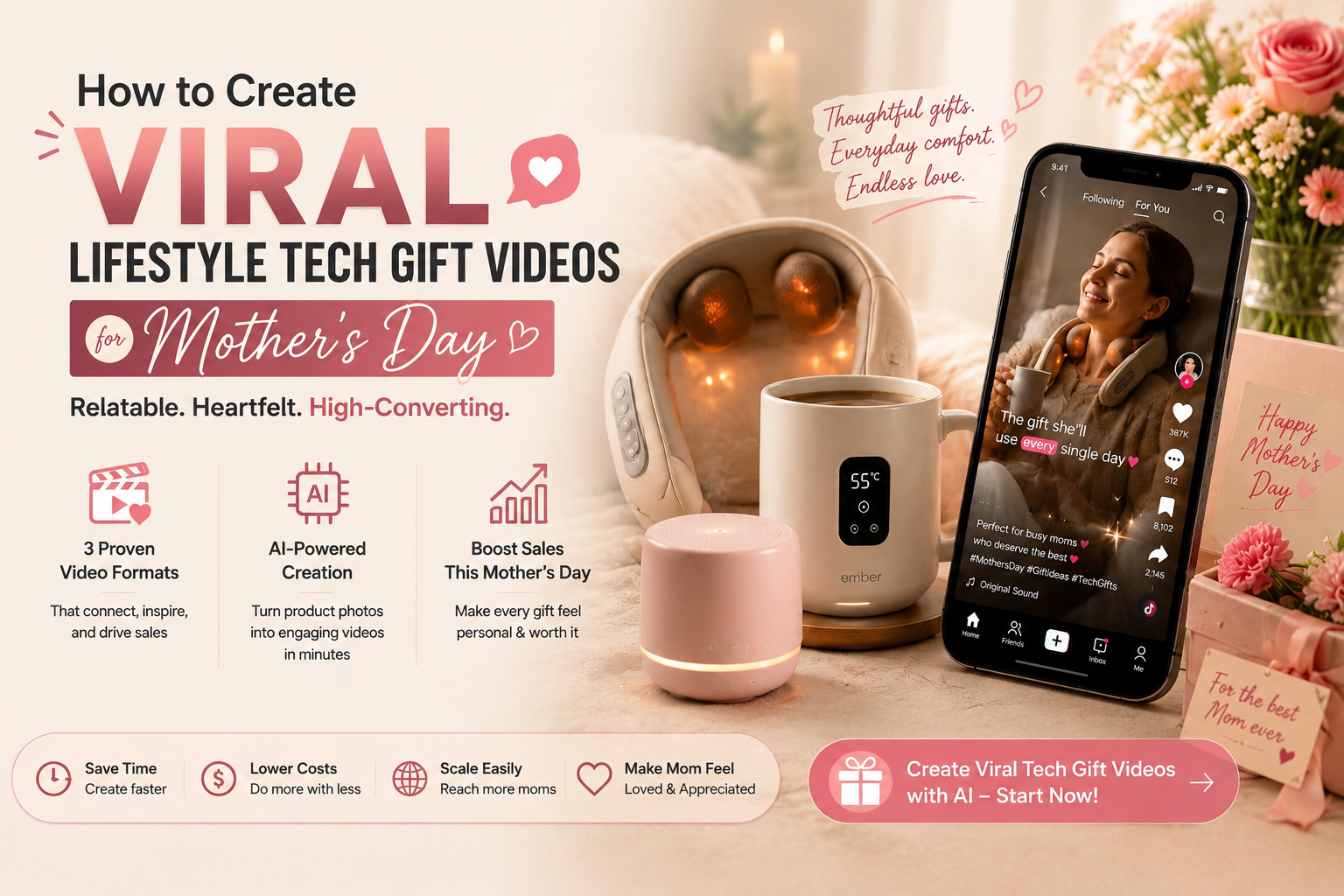
How to Create Viral Lifestyle Tech Gift Videos for Mother’s Day
Sell more tech gifts this Mother’s Day. Use 3 proven TikTok formats and AI to turn static photos into viral videos.

Summary: High-end lifestyle tech gifts (e.g. smart massagers, temperature-control mugs) are a hit for Mother’s Day 2026—they’re practical, thoughtful, and show you care about mom’s comfort. But for those shopping for mom, creating tech gift videos that don’t feel "techy" or overwhelming is a challenge. This guide breaks down the secrets to making relatable, high-converting tech gift TikToks for gift-givers, shares 3 proven video formats, and shows you how to use AI to turn static product photos into engaging content—even if you’re not tech-savvy.
Table of Contents
Why Tech Gift Videos Need to Be "Mom-Friendly"
The 3 Golden Rules of Mom-Friendly Tech Gift TikToks
Step-by-Step: Create Tech Gift Videos with Temvideo
Frequently Asked Questions (FAQs)
Why Tech Gift Videos Need to Be "Mom-Friendly"
Many moms are intimidated by complicated tech—but they love products that make their lives easier. For gift-givers, your videos should focus on simplicity and the emotional impact, not specs or features. If you overload viewers with jargon (e.g. "10-speed vibration" or "temperature control up to 140°F"), you’ll lose their attention—they just want to know if the gift will make mom happy and be easy for her to use.
As we noted in our 2026 Mother’s Day forecast, high-end lifestyle tech is a top-converting category—thanks to its blend of practicality and luxury. To sell these products to gift-givers, your videos need to help them visualize how easy the product is for mom to use and how it solves her daily pain points (e.g. neck pain, cold coffee, sore shoulders). You don’t need a tech expert or fancy filming gear—here’s how to do it.
The 3 Golden Rules of Mom-Friendly Tech Gift TikToks
Follow these rules to create tech videos that resonate with gift-givers who are shopping for mom:
The "Pain Point Hook": Start with a relatable problem mom faces (e.g. "My mom’s neck is always sore from working")—this grabs gift-givers’ attention and makes the product feel like a thoughtful, necessary gift, not just a novelty.
Simplicity Over Complexity: Show the product being used in 1–2 easy steps. Gift-givers don’t care about every feature—they care about whether mom can use it without frustration. Focus on the "how" and "why" it makes mom’s life better.
Emotion Over Specs: Tech gifts sell to gift-givers on comfort and care, not specs. Show mom smiling, relaxing, or feeling relieved while using the product—this helps gift-givers picture the joy their gift will bring and builds an emotional connection.
3 High-Converting TikTok Tech Gift Formats (Ideal for Mother’s Day)
These formats are designed to make tech feel approachable and relatable—perfect for gift-givers shopping for mom:
1. The "Problem-Solution UGC" (Best for Pain-Relief Tech)
This format is all about validating a pain point gift-givers know mom has, and showing the product as the easy, thoughtful solution they’ve been looking for.
The Hook: A voiceover saying, "My mom complains about her neck pain every day… until I got her this" or "Finally, a tech gift mom actually uses—and I feel good giving it."
The Visual: Start with a shot of mom looking uncomfortable (e.g. rubbing her neck, holding her shoulders)—something gift-givers will instantly recognize. Then show her using the tech product (e.g. a smart massager) and looking relieved. Keep the steps simple—show her turning it on with one button, so gift-givers feel confident mom can use it easily.
2. The "10-Second Demo" (Best for Simple Tech Gifts)
This format is perfect for products like temperature-control mugs, portable chargers, or small massagers—products that are easy to demo in seconds, reassuring gift-givers that mom won’t struggle with them.
The Hook: "This tech gift takes 10 seconds to use—and mom loves it (so you’ll feel great giving it)."
The Visual: A quick, step-by-step demo: unbox the product, turn it on, show it in use (e.g., pouring coffee into a temperature-control mug, placing a massager on the neck). End with a shot of mom smiling and using the product—helping gift-givers picture her happiness.
3. The "Mom’s Daily Hack" (Relatable Lifestyle Format)
This format shows gift-givers how the tech product fits into mom’s daily routine—making it feel like a thoughtful, useful gift that she’ll actually use, not just set aside.
The Hook: "Here’s how my mom uses this tech gift every morning—and it makes her day easier (worth every penny)."
The Visual: A montage of mom’s morning routine—making coffee, using the temperature-control mug to keep it warm, using a neck massager while she gets ready. Add a voiceover saying, "It’s the little things that make her day easier—and that’s what makes this gift special."
Step-by-Step: Create Tech Gift Videos with Temvideo
If you only have static product photos (e.g., from your supplier), you don’t need to hire a production team to shoot demos. As a gift-giver or e-commerce seller targeting gift-shoppers, Temvideo lets you generate realistic, relatable tech gift videos in minutes—using just your product images and a few prompts—to help gift-givers find the perfect tech gift for mom.
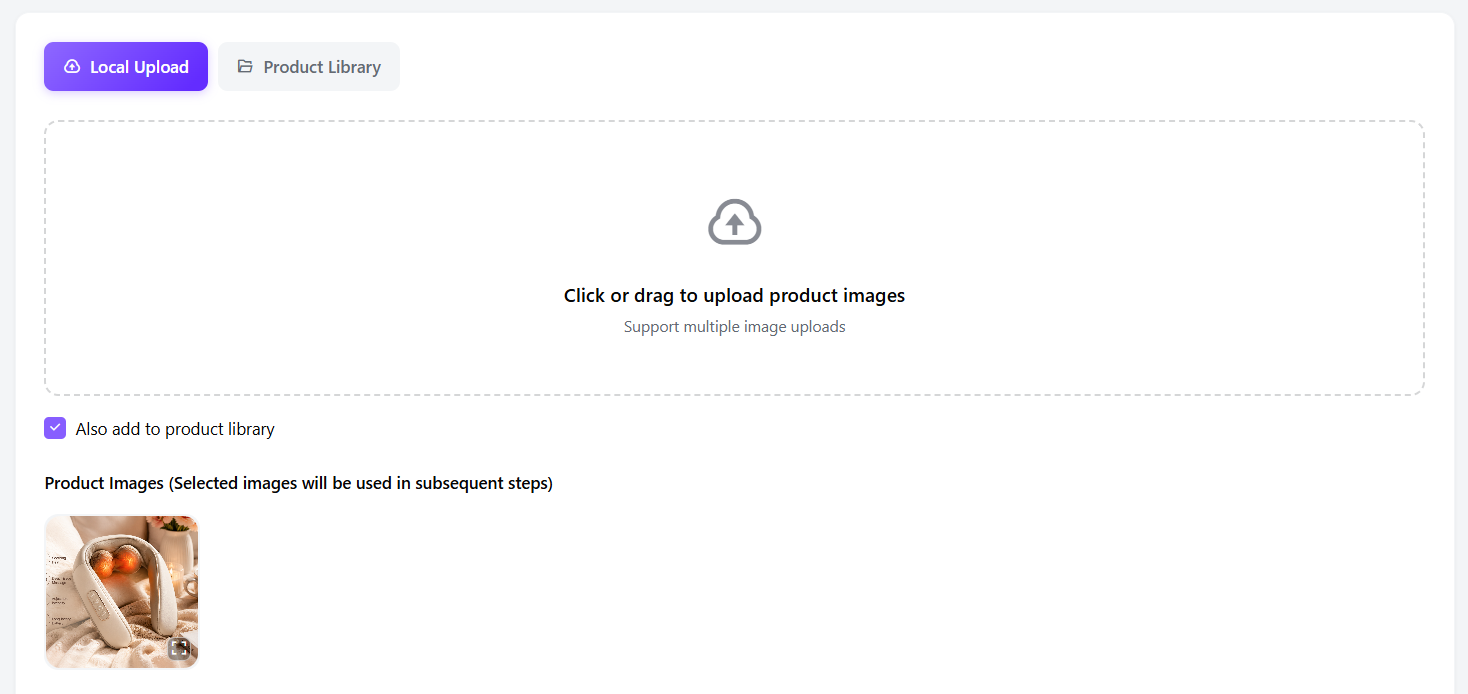
Step 1: Upload Your Product Images
Upload high-definition photos of your tech products (e.g., smart massagers, temperature-control mugs). Use Temvideo’s background removal tool to isolate the product and place it on a clean, relatable background (e.g., a kitchen counter, a living room chair).
Step 2: Generate Relatable AI Avatars
Generate AI avatars that look like real moms—avoid overly polished or "techy" models—so gift-givers can easily picture the mom in their life using the product. Use prompts like:
"A kind, middle-aged mom with a relaxed smile, wearing casual clothes"
"A busy mom multitasking, looking a little tired but happy"
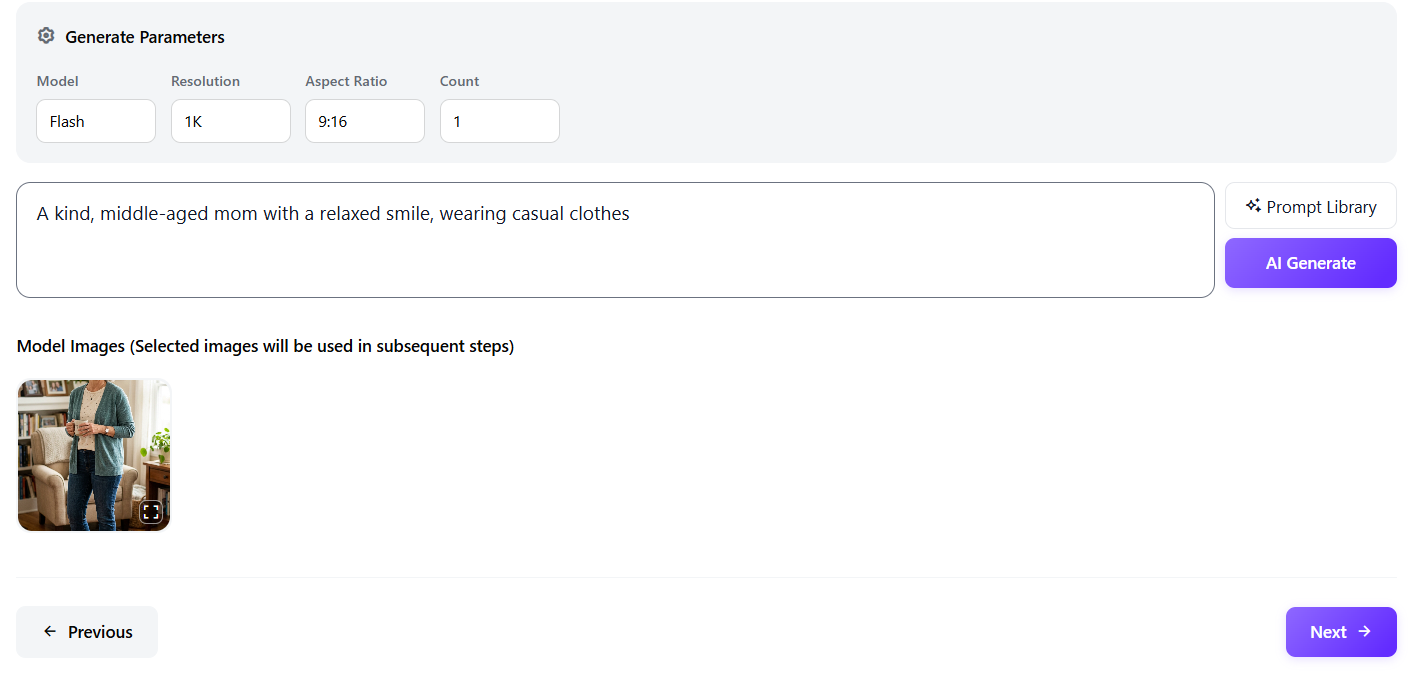
Step 3: Create a Daily Routine Scene
Generate a scene that fits mom’s daily life (e.g. kitchen, living room, home office) with prompts like—this helps gift-givers visualize the product in mom’s routine:
"A cozy kitchen with a coffee maker and a countertop"
"A comfortable living room chair with a blanket and a side table"
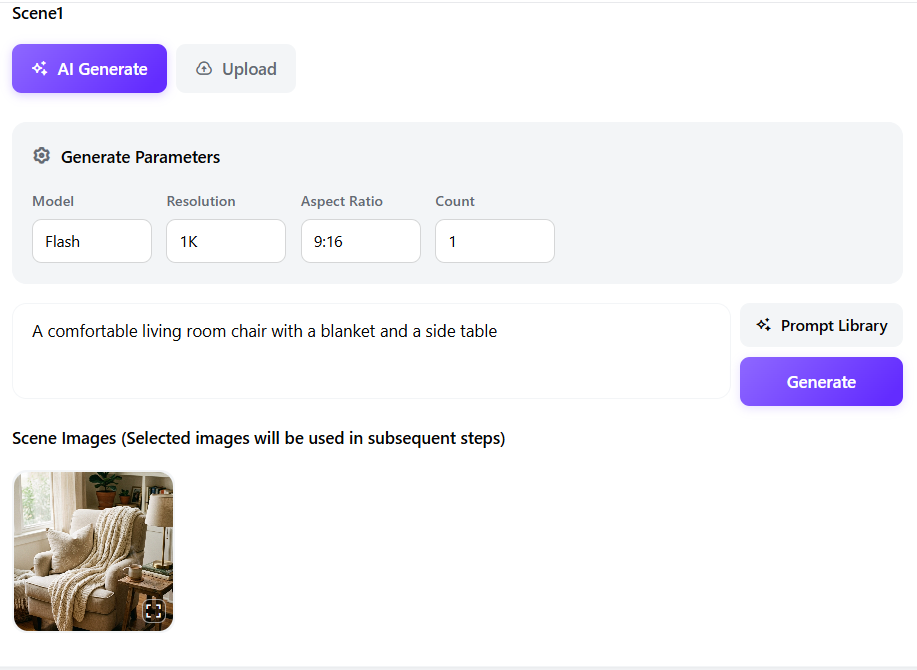
Step 4: Synthesize and Animate the Demo
Combine your product, avatar, and scene with a prompt like: "A mom using a smart neck massager while sitting in a living room chair, looking relaxed. Show her turning it on with one button." Add text overlays (e.g. "1 button to relief") to emphasize simplicity—reassuring gift-givers that mom can use it easily.
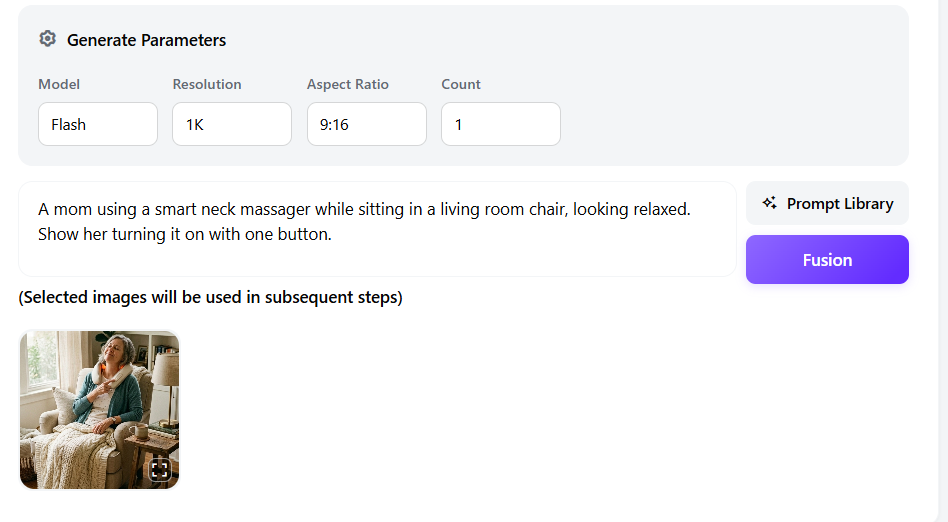
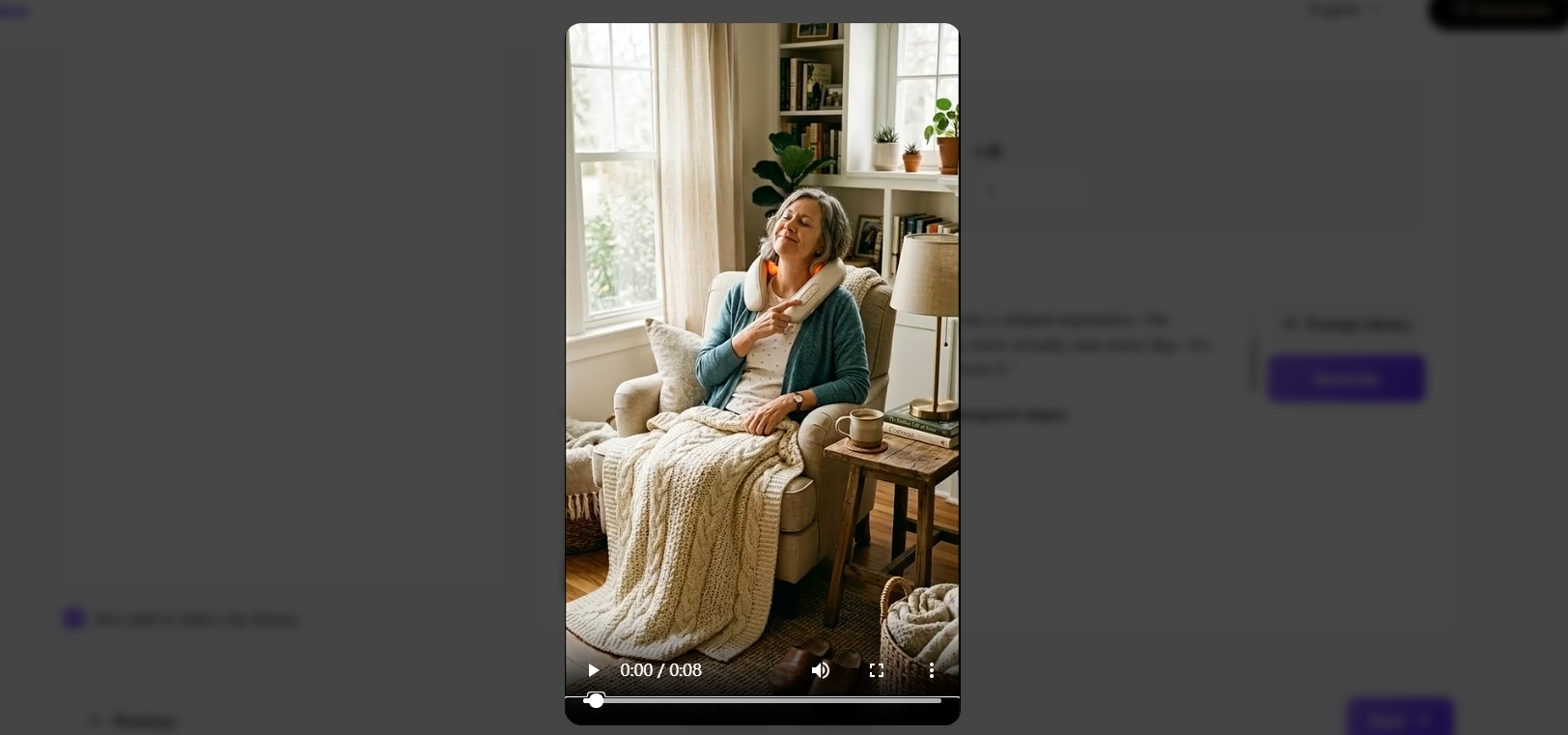
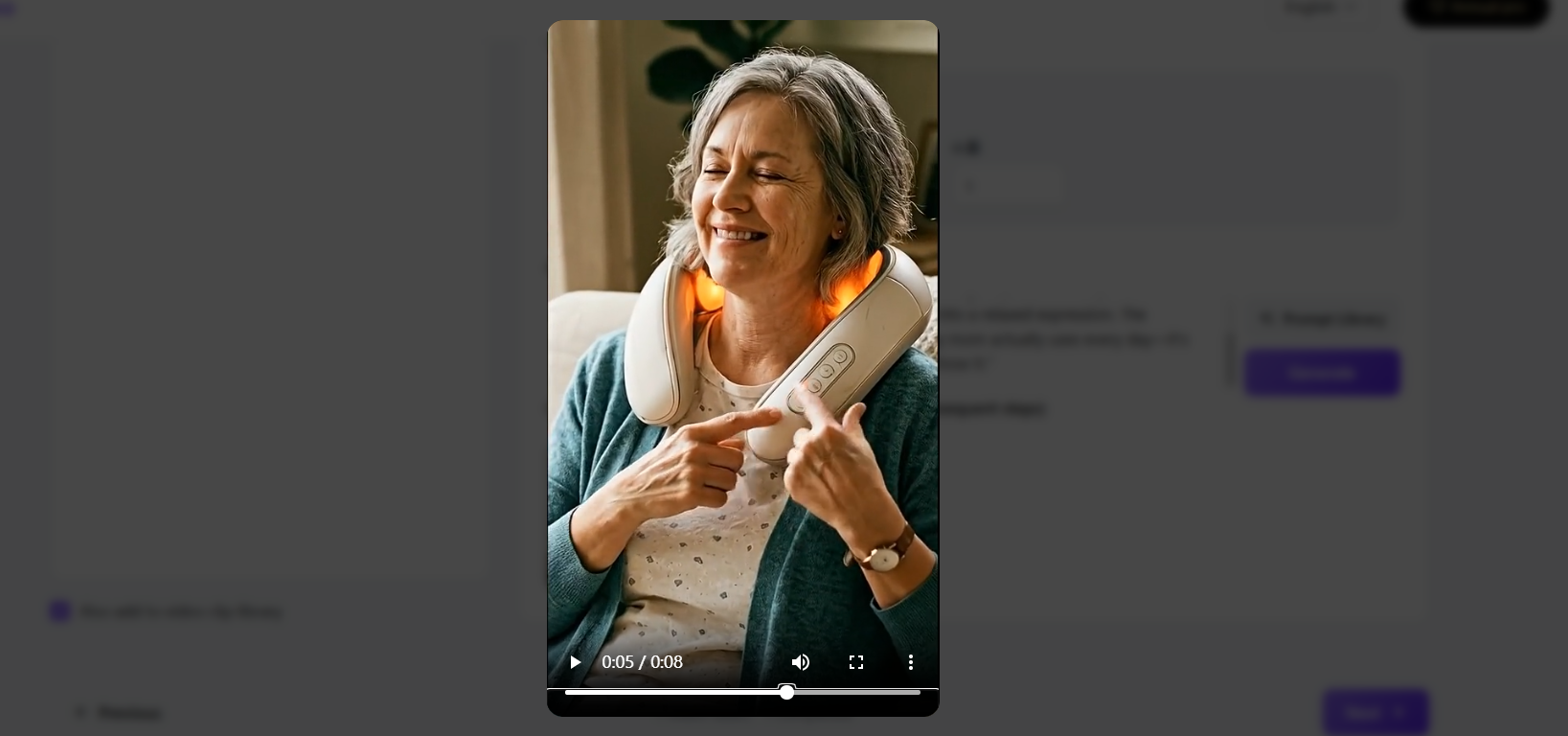
Step 5: Add Relatable Voiceover and Text
Use Temvideo’s voiceover feature to add a warm, friendly voice saying something like, "This is the tech gift my mom actually uses every day—it’s so easy, even she loves it, and that’s why I’m glad I chose it." Add text overlays to highlight key benefits (e.g., "No complicated setup" or "Relief in minutes") that matter to gift-givers.
You don’t need to be a tech expert or a video editor to create engaging tech gift videos. With Temvideo, you can turn static photos into relatable, sales-driving content that resonates with gift-givers shopping for mom.
FAQs
Q: My tech product has a lot of features. Should I mention them all in the video?
A: No! Gift-givers don’t care about every feature—focus on 1–2 key benefits that matter to mom (e.g., "relieves neck pain" or "keeps coffee warm all morning"). Too many features will overwhelm both gift-givers and mom.Q: Do I need to show the product’s packaging in the video?
A: It’s optional, but showing the unboxing (even a quick clip) can build trust with gift-givers—especially if the packaging is premium. Keep it short and focus on the product itself, so gift-givers can visualize mom opening it.Q: Which platform is best for tech gift videos—TikTok or Instagram?
A: TikTok is great for relatable, short demos (15–20 seconds) that resonate with gift-givers looking for quick gift ideas. Instagram Reels works well for slightly more polished content. For gift-givers shopping for mom, both platforms perform well—test both to see which drives more sales.
Tags
Ready to get started?
Join TemVideo and start creating videos with thousands of creators
Start for Free