Why "Unlimited" AI Video is a Trap—Unless You Change Your Workflow
Stop counting credits. Discover how unlimited AI video generation solves "prompt fatigue," allowing you to create authentic, week-long social content in just 20 minutes with Temvideo.

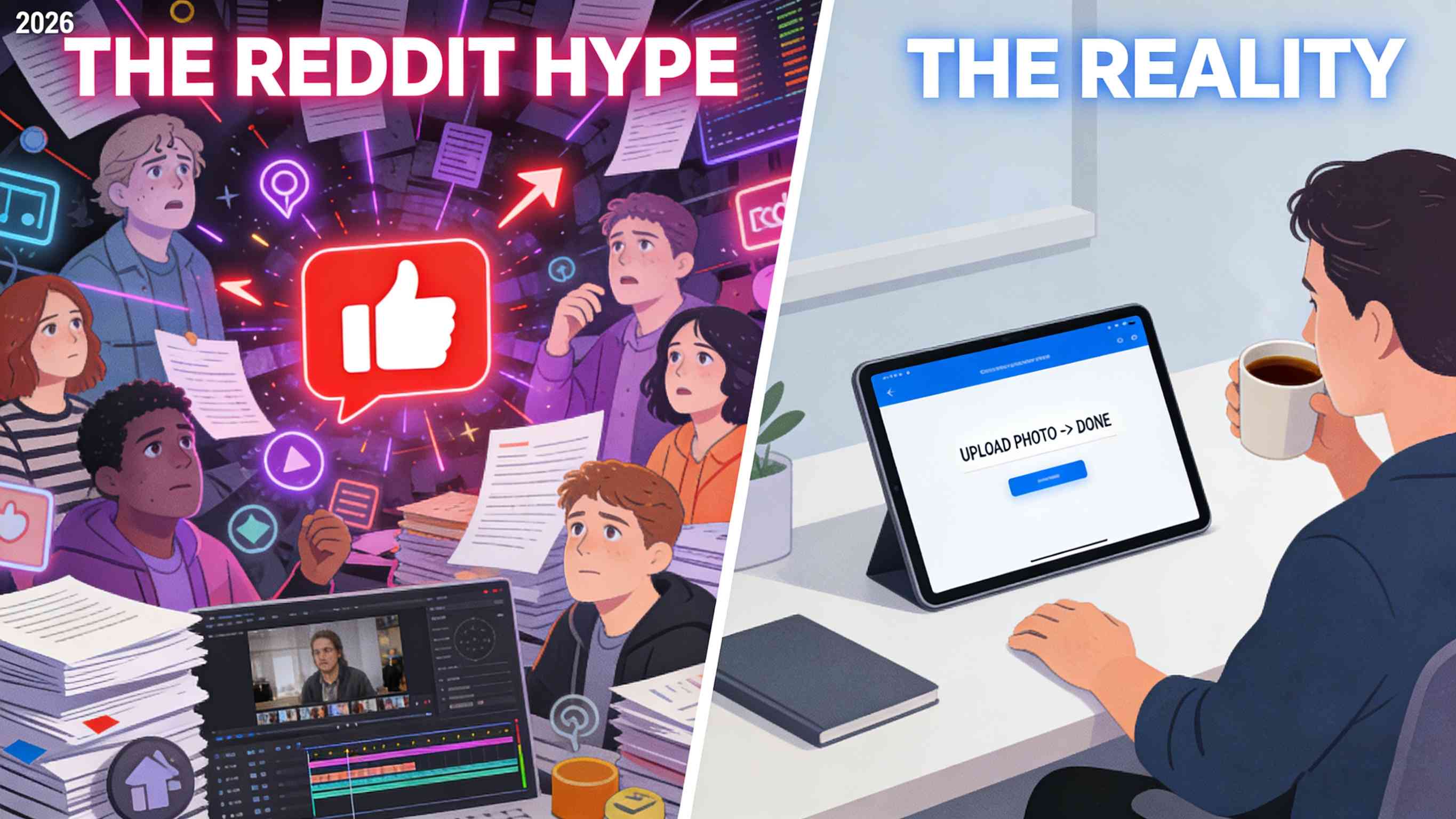
Scrolling through that Reddit thread where small business owners were trashing AI tools, and it was a total bloodbath. One comment really hit home: "Is this saving me time, or did I just hire a digital pet I have to feed every hour?"
When you're searching for "subscribe to unlimited AI video generation," you’re usually not looking for a new hobby. You’re looking to stop the "credit anxiety"—that annoying feeling where you’re scared to hit 'Generate' because you might waste a paid credit on a glitchy video.
Actually, latest trends for 2026 show that the winners aren't those with the most "AI-looking" clips, but those who use automation to keep their brand voice human.
I’ve been using Temvideo to get out of that hole. It’s not about being a "prompt wizard"; it’s about having a system where you can fail fast, fix things, and actually get a week’s worth of Reels done before your coffee gets cold.
Solve "Prompt Fatigue" (The Real Efficiency Killer)
Honestly, who has time to write a 200-word prompt for a 15-second video? I tried the "fancy" tools and spent more time arguing with the chatbot than I actually did selling my products.
The workflow that actually stuck for me is much simpler:
The "Lazy" Input: I just grab a few photos of my product—phone shots work fine—and upload them.
Pick a Lane: Instead of typing instructions, I just select a category (like "Electronics & Gadgets" or "Fashion & ").
The Win: The AI already knows the "vibe" of that category. It handles the pacing and transitions. You aren't writing a script; you're just pointing the AI in the right direction.
One Subscription, Multiple Formats (15s to 120s)
One thing that drove me crazy about other "unlimited" plans was the 10-second cap. You can't explain a complex product in 10 seconds.
I started mixing it up based on where I'm posting:
The 15s Hook: Quick, punchy edits for TikTok or Reels just to get eyes on the brand.
The 120s Explainer: For my website or YouTube. Being able to go up to two minutes means I can actually show a product being used, talk about the benefits, and include a real call to action. Having that range in one subscription means I'm not jumping between three different apps. This is crucial because, as industry experts at Build a Brand pointed out, today's audiences value clarity and "usefulness" over high-gloss production. A 90-second honest walkthrough often sells better than a 10-second flashy ad.
Beating the "Generic AI" Look
The Reddit crowd is right: generic AI looks fake and kills brand trust. If your "unlimited" videos all look like the same stock footage, you're wasting your subscription.
The "Human" Layer: Temvideo includes a Timeline Editor. This is the "sanity check" phase.
Keep it Real: Because the video starts with your uploaded photos, it’s already 80% more authentic than stock-heavy AI.
The Final 20%: Use the editor to tweak the script to sound like a human, swap the music to match your brand's energy, or use the natural-sounding voiceovers to localize the video for different regions.
The "Unlimited" Strategy: How to Actually Execute
If you have an unlimited subscription, don't use it one video at a time. That’s how you burn out.
Monday Morning: Take 5–10 photos of your new stock.
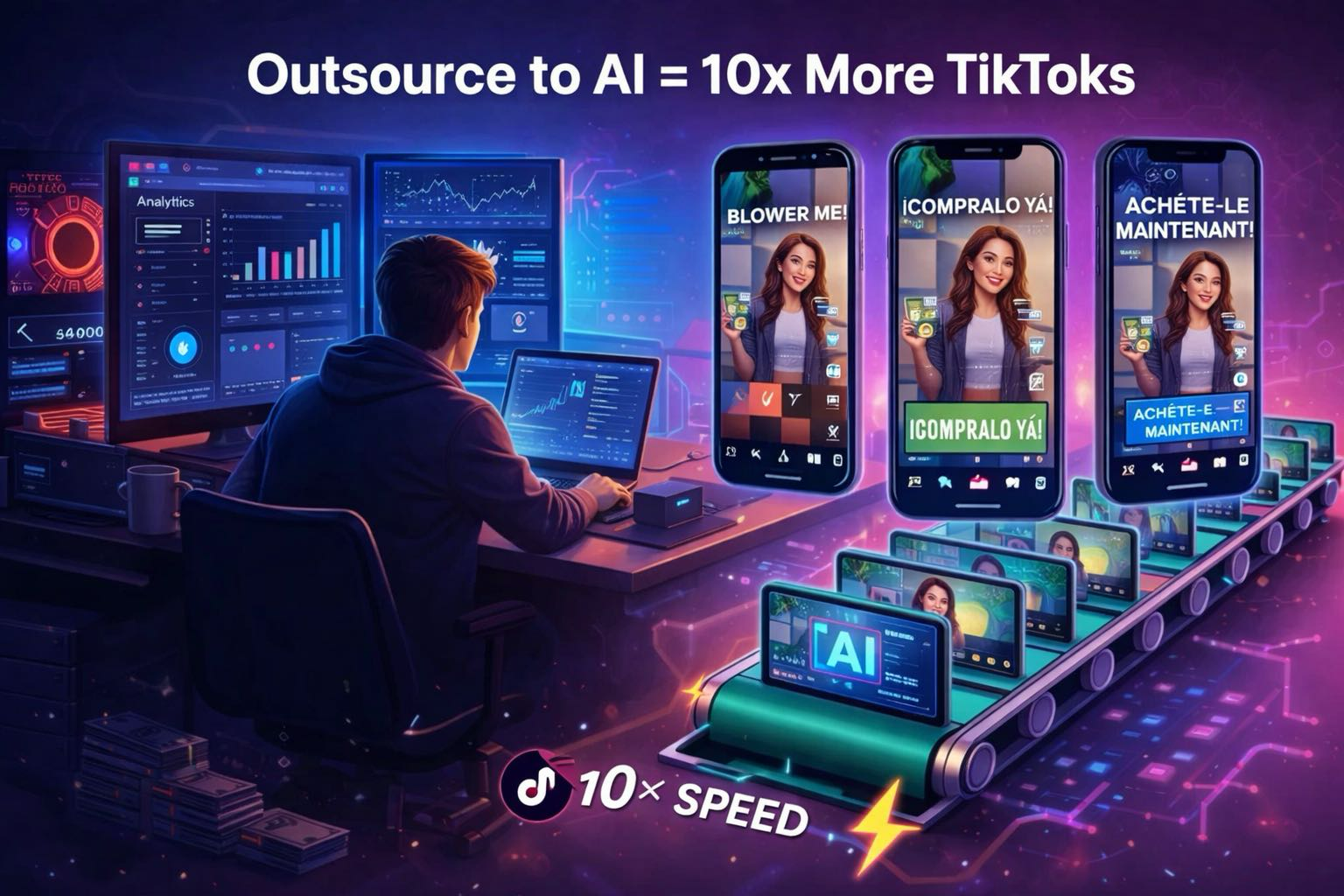
The Factory: Upload them to Temvideo, pick 2 or 3 different categories, and hit generate.
Quick Polish: Open the timeline, fix any weird wording, and export.
Done: You now have 5–8 videos. That’s your entire week of social media finished in about 20 minutes.
FAQ: Real Talk on "Unlimited" AI Video
Q: Is "unlimited" actually unlimited? A: In my experience, it just means you stop worrying about the cost of a "bad" generation. If the AI makes a video where the text is weird, you don't care—you just tweak it or hit generate again. It’s about creative freedom, not counting pennies.
Q: Does it look like those "AI fever dreams"? A: Not really, because it's grounded in your photos. Since it’s not trying to "hallucinate" a person from scratch, it stays looking like a high-end slideshow or a professional montage.
Q: Is the editor hard to use? A: If you’ve ever used Instagram’s built-in editor, you’ll be fine. It’s a standard timeline where you can drag, drop, and type. No "coding" or weird tech skills required.
Q: How long does it really take to make one video? A: From upload to export? If you don't overthink it, maybe 3 to 5 minutes. The longest part is usually just waiting for the AI to finish the initial render.
Tags
Ready to get started?
Join TemVideo and start creating videos with thousands of creators
Start for Free