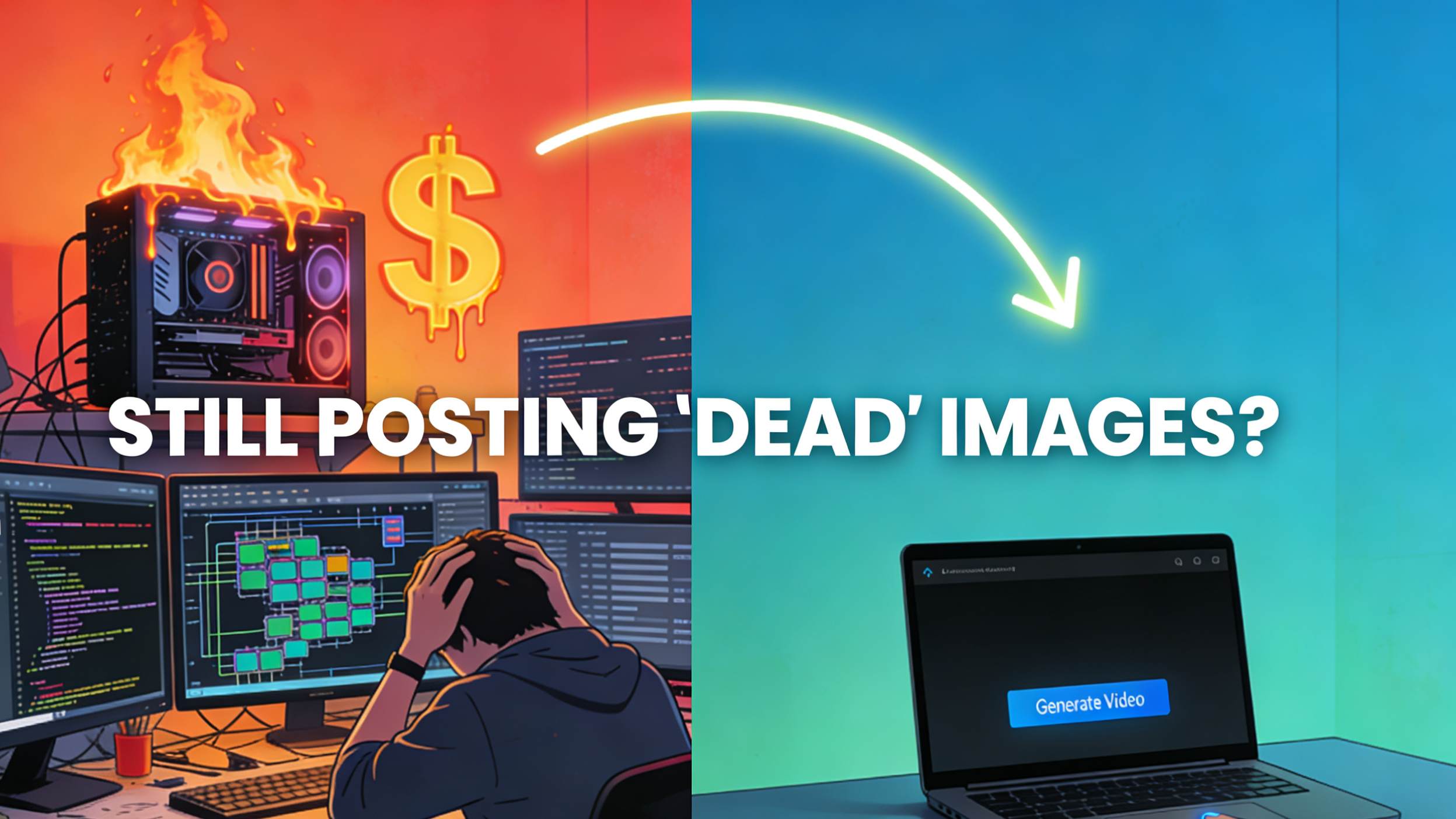
How to Turn Product Photos into High-Converting Videos with AI (Hardcore vs. Easy Modes)
Are you the "Hardcore Faction" burning cash on APIs, or the "Smart Faction"? Discover how to turn product photos into high-converting videos with AI—saving both your wallet and your hairline.

After lurking on Reddit for a few days, I found everyone is anxious about the same thing: Short Video is the current e-commerce trend, but shooting video is too expensive and tiring.
If you are still relying on static images, you are handing your customers to your competitors. According to the latest 2026 Video Marketing Statistics, over 88% of consumers say they’ve been convinced to buy a product by watching a brand’s video.
The Hardcore Faction: Using ComfyUI to build their own nodes and running the Wan 2.2 model. The results are good, but just setting up the environment is enough to make people quit.
The Geek Faction: Using n8n to write code that is called the Google Veo 3.1 API. It achieves automation, but when you do the math—generating one second of video costs $0.40 (about 3 RMB)—your heart starts bleeding cash.
The Tool Faction: Using Luma or Runway, but constantly encountering "product deformation" issues—shoelaces turn into noodles, and logos fly off into the sky.
As a "veteran" who has been in this circle for a long time, today I will help you avoid these detours and give you a solution that "saves both your wallet and your hairline."
Option 1: The "One-Way Ticket" for Hardcore Players (ComfyUI & API)
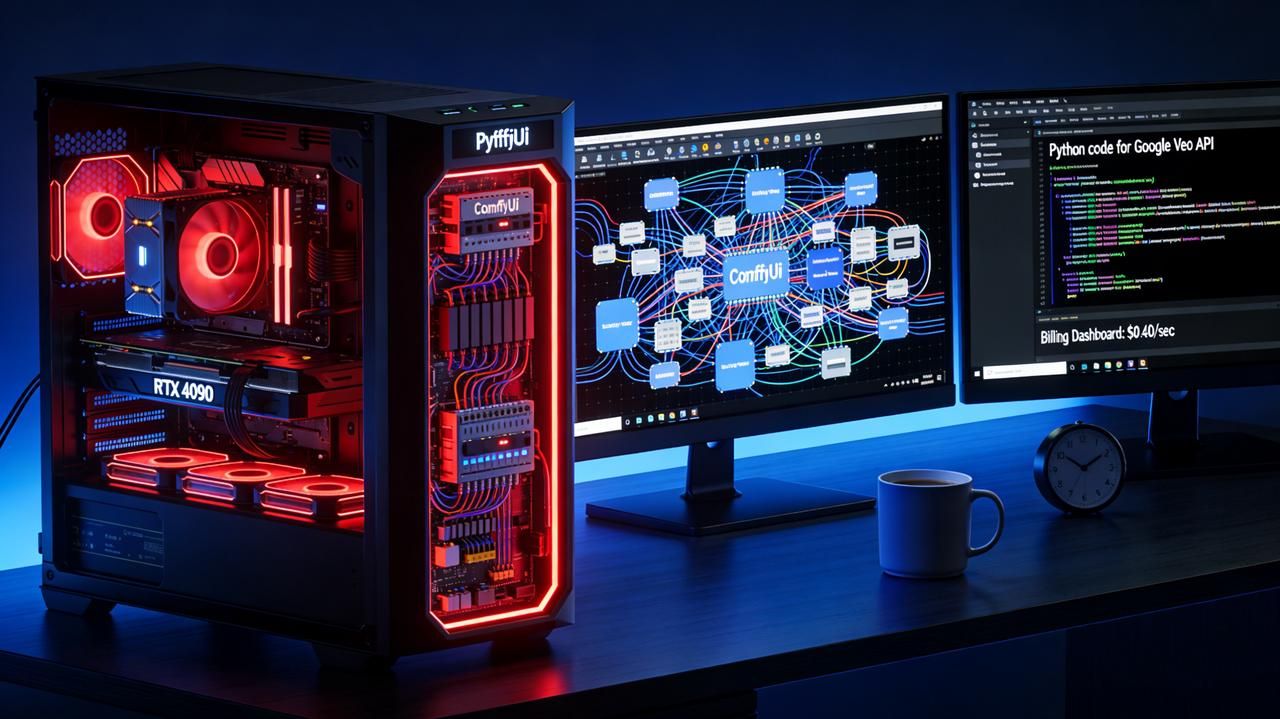
If you are a tech wizard, or you have a few RTX 4090s at home, the gods on Reddit have pointed out two paths:
1. ComfyUI + Kontext/Wan 2.2
Reddit users recommend searching for "Kontext" or Wan 2.2 Open Source in the ComfyUI template section.
The Principle: Uses Stable Diffusion's control capabilities to keep the product subject unchanged while redrawing only the background and dynamics.
Pros: Completely free (if you don't count your electricity bill), and extremely high controllability.
Cons: You need to understand what "nodes" and "latent space" are. Plus, every generation is like rolling the dice (gacha)—if your graphics card is a bit weak, generating one image takes long enough for you to drink two cups of coffee.
2. n8n Automation + Veo 3.1
A guru shared a case study of using Google’s Veo 3.1 API to build automation.
The Principle: Scrape Shopify links -> Extract images -> Call Google Gemini/Veo API -> Generate model catwalk videos.
Pros: The results are explosive, especially the fabric drape and the model's movements, which are very natural.
Cons: Expensive! As mentioned in the post, Veo 3.1 costs $0.40 per second of video generated. Making an 8-second video costs $3.20. Even the Fast model costs $0.15/sec. For dropshippers or mass-listing sellers, this cost is just too high.
Option 2: The "Smart Shortcut" (Temvideo Workflow)
If, like me, your goal is "Making Money" rather than "Doing Tech," we need a tool that is: Simpler than ComfyUI, cheaper than the Veo API, and specifically optimized for e-commerce.
This is where Temvideo enters the chat. It effectively packages the complex underlying technologies mentioned above to specifically solve the pain points of e-commerce sellers.
Why choose it over generic tools like Luma/Runway?
There is a pain point repeatedly mentioned on Reddit: "I want a video, but I don't want AI to add drama."
Generic AI models (like Sora, Luma) tend to "show off." You upload a shoe, and it might morph it into a cat. TemVideo's logic is:
Lock Product ID: Guarantees your product still looks like your product.
E-commerce Specific Camera Moves: The motions provided are Zoom, Pan, and Showcase—not Hollywood-style explosive effects.
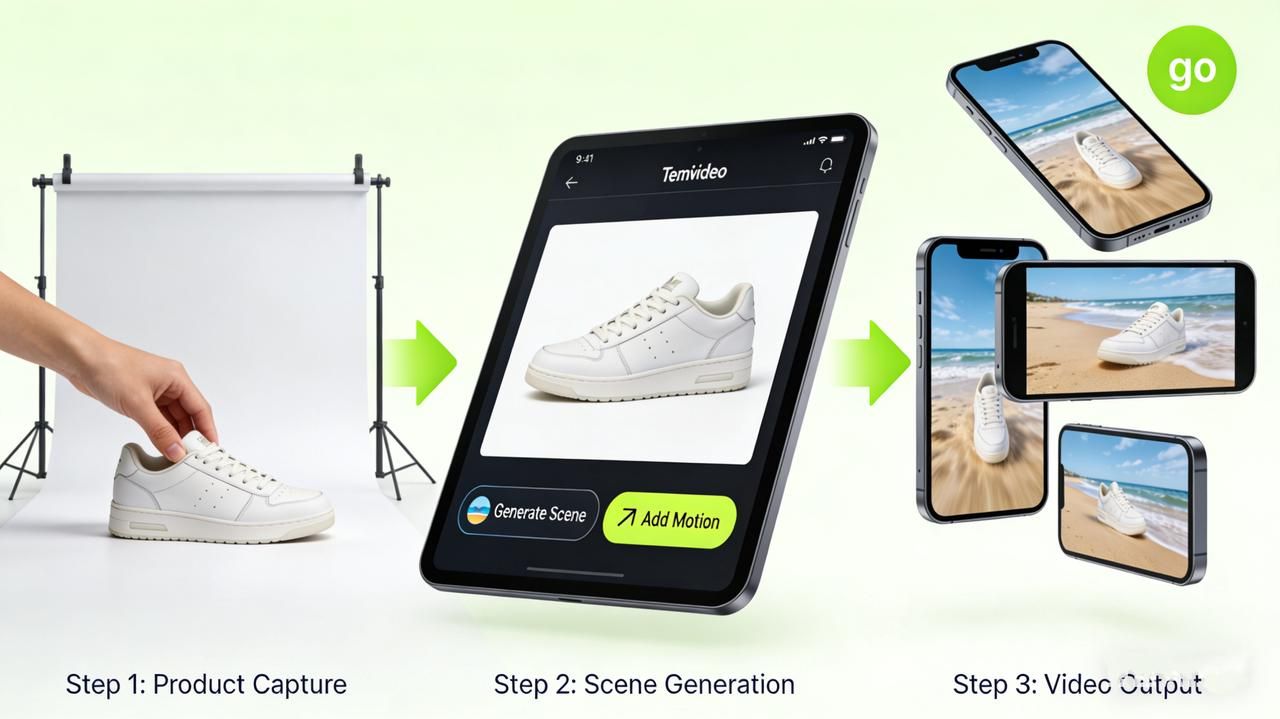
Practical Tutorial: 3 Steps from White Background to Viral Video
Whether you are doing dropshipping or running a branded site, this workflow works for everyone.
Step 1: Prepare the "Perfect Static Image"
AI is a magnifier, not a magician. If your original image is blurry, the generated video will be high-definition blur.
Tips: Ensure even lighting. If it's clothing, it's best to have a photo of it being worn (even if it's a flat lay).
Reddit Experience: Referencing the Veo guru's method, if you want to make a loop video, it's best to prepare two identical images as the "first frame" and "last frame" (though Temvideo usually only needs one image to handle loops automatically).
Step 2: Choose "Scene" & "Motion"
Log in to Temvideo and upload your product image. There are two core ways to play:
Context Integration:
If your image has a white background, use AI to generate a "seaside beach" or "premium marble tabletop" background.
Key Point: Don't just generate a static background image. Let the light and shadow in the background move (e.g., swaying tree shadows), but keep the product static. This contrast feels very high-end.
Motion Showcase:
Select "Slow Zoom In" or "Orbit".
Pitfall Guide: Don't choose movements that are too drastic! For product videos, "Subtle Motion" is king. Violent movement tends to cause the product edges to collapse or warp.
Step 3: Batching & Distribution
This is the true power of AI. You don't need to tweak parameters one by one like in ComfyUI.
Set up a template (e.g., all shoes use "Street Background + Zoom In").
Batch upload your SKUs.
Export in both 9:16 (TikTok/Reels) and 1:1 (Main Image Video) formats.
Special Advice for Clothing/Fashion Sellers
That Reddit thread about Veo mentioned "Lip-sync" and "Model Animation."
If you sell clothes, tools like Temvideo can usually handle the need to "make the model move."
Action: Upload a photo of the model wearing the product.
Effect: AI can make the static model turn around or take a couple of steps, displaying the merchandise more vividly and from all angles. This is about 100 times cheaper than hiring a real model.
FAQ:
Q: Will AI-generated videos be shadowbanned by platforms (TikTok/IG)?
A: No, provided you don't post "obviously fake" pure AI generation. If your video is based on real product photos, this falls under the category of "post-production effects," and platforms actually encourage high-quality content. Try to avoid fully synthesized, fake products.
Q: Compared to Runway Gen-3 or Luma, what makes Temvideo better?
A: Specialized tools for specialized jobs. Runway is for filmmakers; you can use it to make movies, but it's hard to control it to not change your product details. Temvideo is for sellers; its algorithm prioritizes "protecting the product from distortion," with motion coming second.
Q: Do I need to write code like that Reddit guru?
A: No. That n8n workflow is for developers. SaaS tools like TemVideo exist to make it as simple as using a photo editor—just click a mouse to finish. There is no need to understand any code or APIs.
Q: How much does this cost?
A: It is definitely much cheaper than the Veo API's $0.40/second, and cheaper than hiring a photographer. Usually, these tools operate on a subscription basis, costing anywhere from a few cents to a couple of dollars per video, making it perfect for testing products.
Tags
Ready to get started?
Join TemVideo and start creating videos with thousands of creators
Start for Free