How to Use TemVideo: The Complete Guide to AI Video Creation
Learn how to use TemVideo to manage assets, generate AI videos from text or images, and publish directly to TikTok. The ultimate step-by-step guide for beginners.

Welcome to TemVideo, your all-in-one platform for intelligent AI video creation and publishing.
Whether you are a cross-border merchant, a content creator, or part of a marketing team, TemVideo transforms complex video production into a few simple steps. This guide will walk you through our core features and show you how to master high-efficiency video workflows.
Part 1: Your Personal Workspace & Asset Command Center
Before you start creating, let’s get familiar with your dedicated "Command Center."
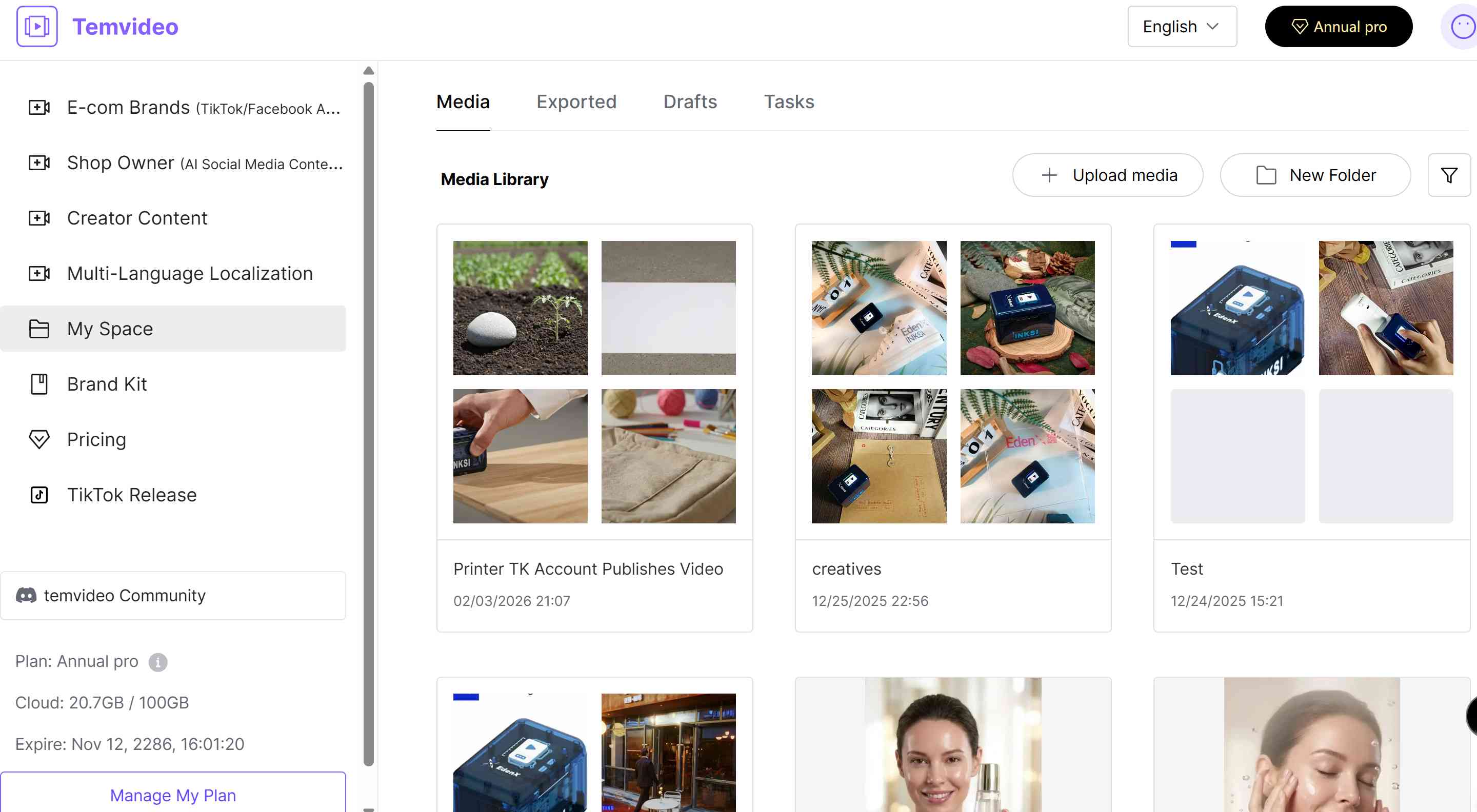
My Space
Manage your content ecosystem with clarity:
Media: A centralized hub for all your uploaded raw materials (images, videos, audio) and individual AI-generated assets.
Drafts: Find all your works-in-progress here. Pause and resume editing whenever you like.
Exported: An archive of your finalized, rendered videos, ready for download or reuse.
Tasks: Monitor the real-time status of background tasks like AI generation, rendering, and publishing.
My Assets
Unified management for your brand and personalized resources:
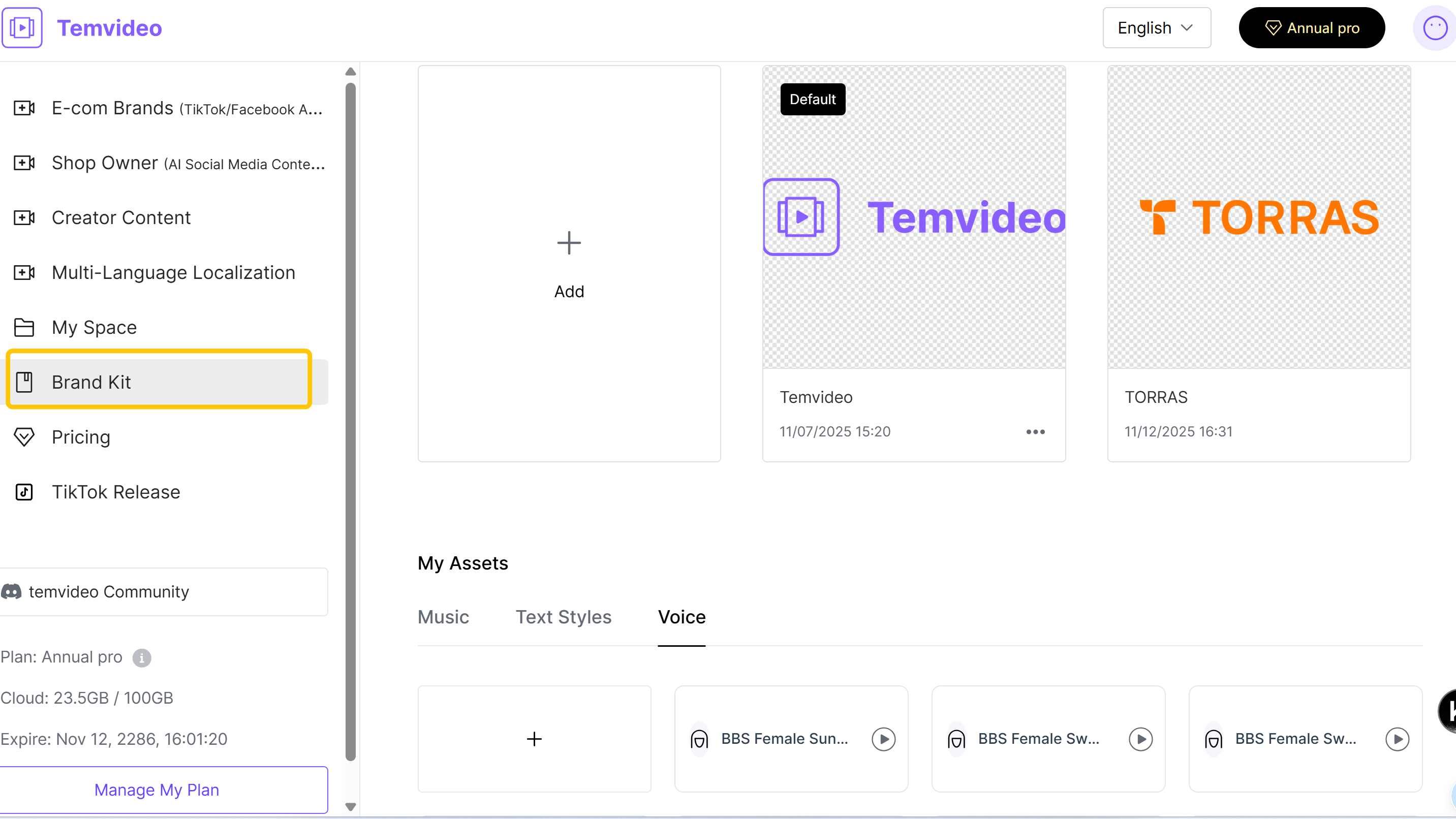
Brand Kit: Upload your Brand Name, Intro, Logo, and Outro Cards once. When creating videos, simply check "Apply Brand Kit" to automatically brand your content, ensuring visual consistency without repetitive work.
Music: Upload your exclusive copyrighted music or sound effects. These become immediately available for selection during video generation.
Text Styles: Preset your brand fonts, colors, and styles to apply them with one click, maintaining a cohesive visual identity.
Voice: Upload audio samples to clone your unique AI voice. When making "Talking Head" videos, simply select your cloned voice from the library.
TikTok Release (Revolutionary Feature)
Experience a seamless, VPN-free publishing workflow.
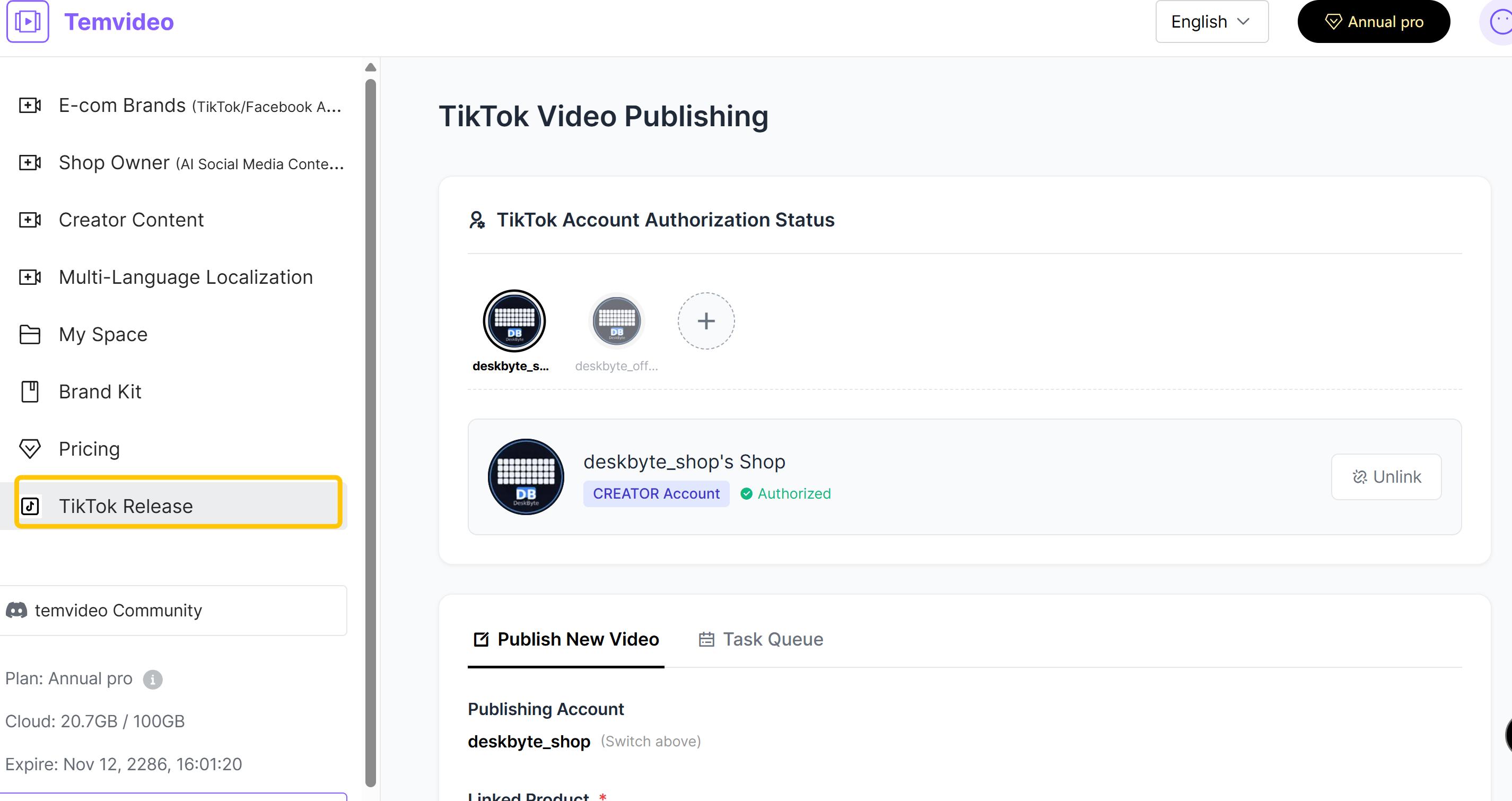
Seamless Binding: Find us in the TikTok Shop App Market or authorize your TikTok Official/Marketing accounts directly via the TemVideo web portal. One TemVideo account supports multiple TikTok accounts.
Direct Publishing: Once bound, publish shoppable videos directly from TemVideo without needing a VPN or the TikTok App. The publishing IP automatically matches the account’s last login IP for safety and stability.
Scheduling & Product Links: Support for scheduled posting. You can select products to tag (Yellow Bag), edit captions, and choose any media from your library—not just videos made in TemVideo. This feature is completely free.
Part 2: Three Powerhouses of Creation
TemVideo centers its creative power in three core modules. Choose your starting point based on your available assets and creative goals.
1. Text-Driven Generation: From Comments to Viral Scripts
Your "Market Intelligence Officer" – Perfect if you only have a product link.
Step 1: Input the target link (TikTok product/video link, Amazon link, etc.).
Step 2: Set requirements (number of comments to analyze, number of scripts to generate) and add product details.
Step 3: Click Generate.
What you get:
Raw Data Table: A clear view of user feedback.
Deep AI Insight Report: A 9-module analysis covering comment classification, high-frequency needs, user personas, selling point pools, content opportunities, and viral trends.
Ready-to-Use Scripts: AI-generated video scripts based on these insights, ready for shooting or optimization.
2. Intelligent Video Generation: 3 Modes for Every Scenario
Our flagship feature. Supports Horizontal (16:9), Vertical (9:16), and Square (1:1) formats with no limits on duration or quantity.
Mode A: Natural Language Generation (Creative Inspiration)
Best for: Users with just a product photo and no clear direction.
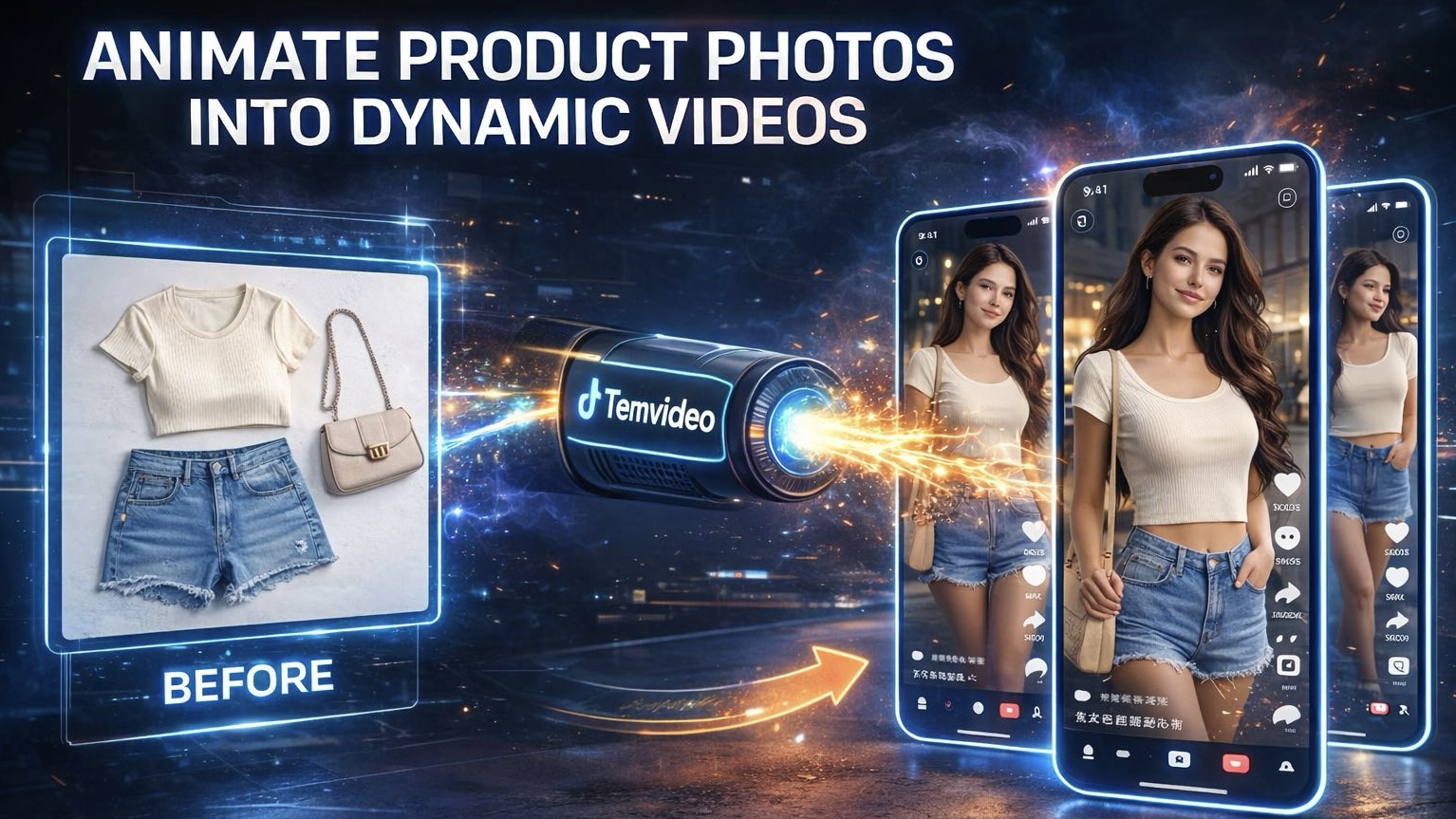
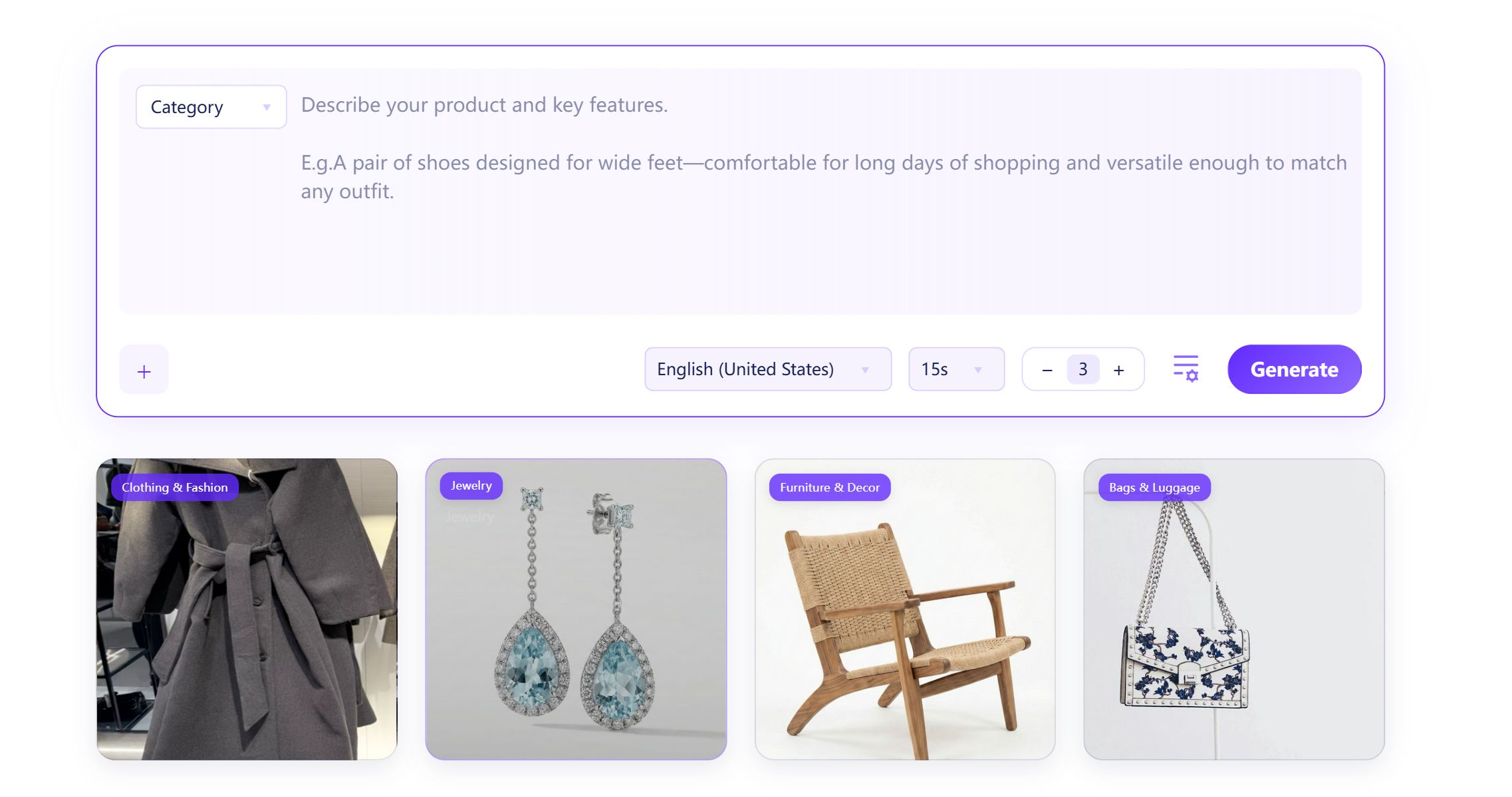
How it works: Upload a product image (even with a messy background) and describe it naturally (e.g., "A waterproof Bluetooth speaker"). The AI identifies the product, matches scenes and models, and generates a complete marketing video with voiceover, subtitles, and music. You can specify elements (e.g., "Include a talking host"), or let the AI decide.
Mode B: Template Intelligence (High-Efficiency Remix)
Best for: Users with existing clips/images who want fast results.
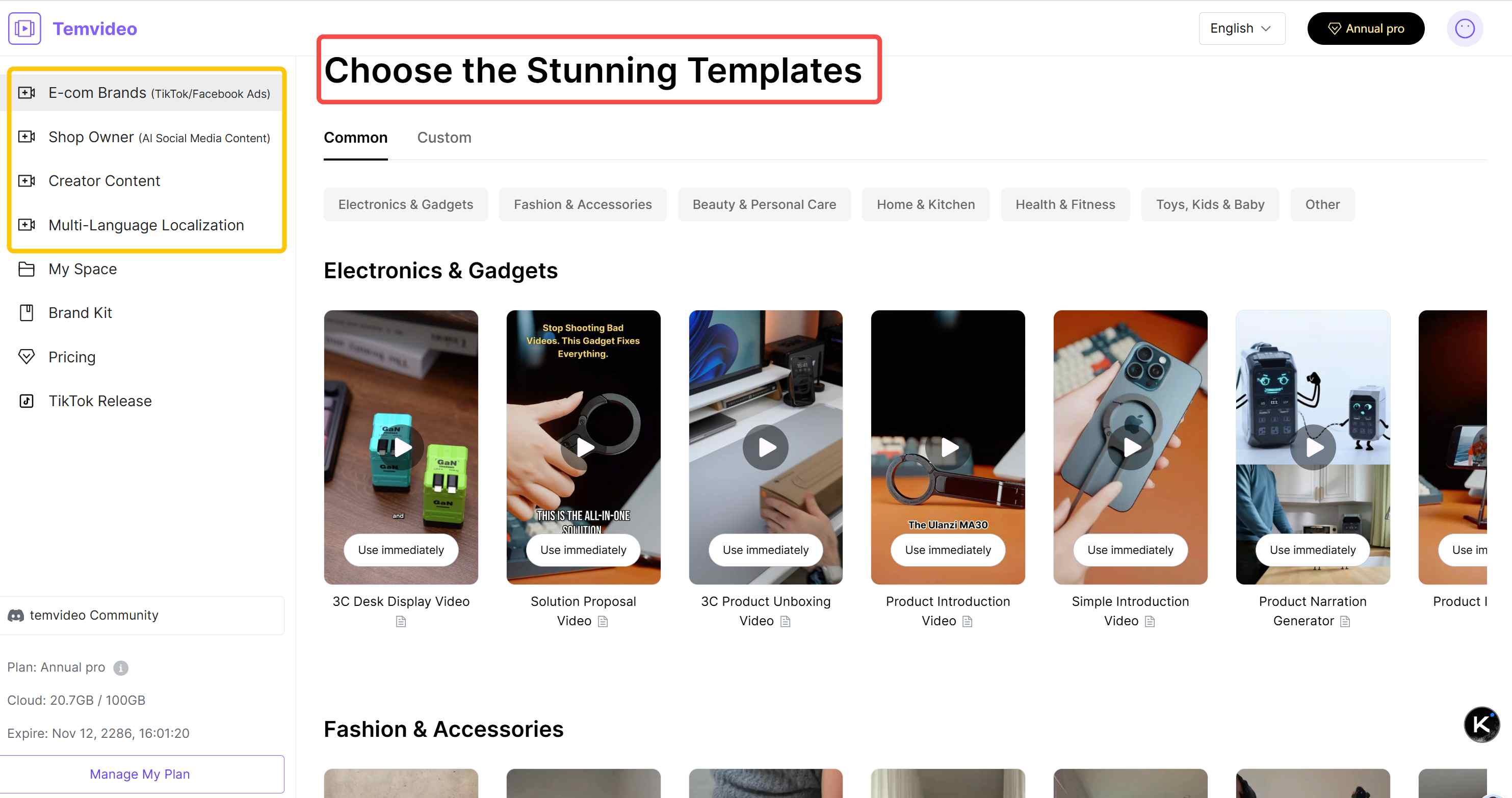
How it works: Choose a style from our rich Template Library and upload your assets.
The "Smart Cut" Feature: If you upload multiple finished videos, click the "Scissors" icon. The AI will precisely segment shots and intelligently remix them, solving the headache of messy transitions.
Template Categories:
E-com Brands: Fast-paced, marketing-heavy (ideal for Ads).
Shop Owner: Focus on product display and seeding.
Creator Content: Tailored for influencers.
Multi-Language Localization: A game-changer! Removes original subtitles, translates content, dubs with AI, and syncs lip movements. Supports 15+ languages—essential for global marketing and short drama localization.
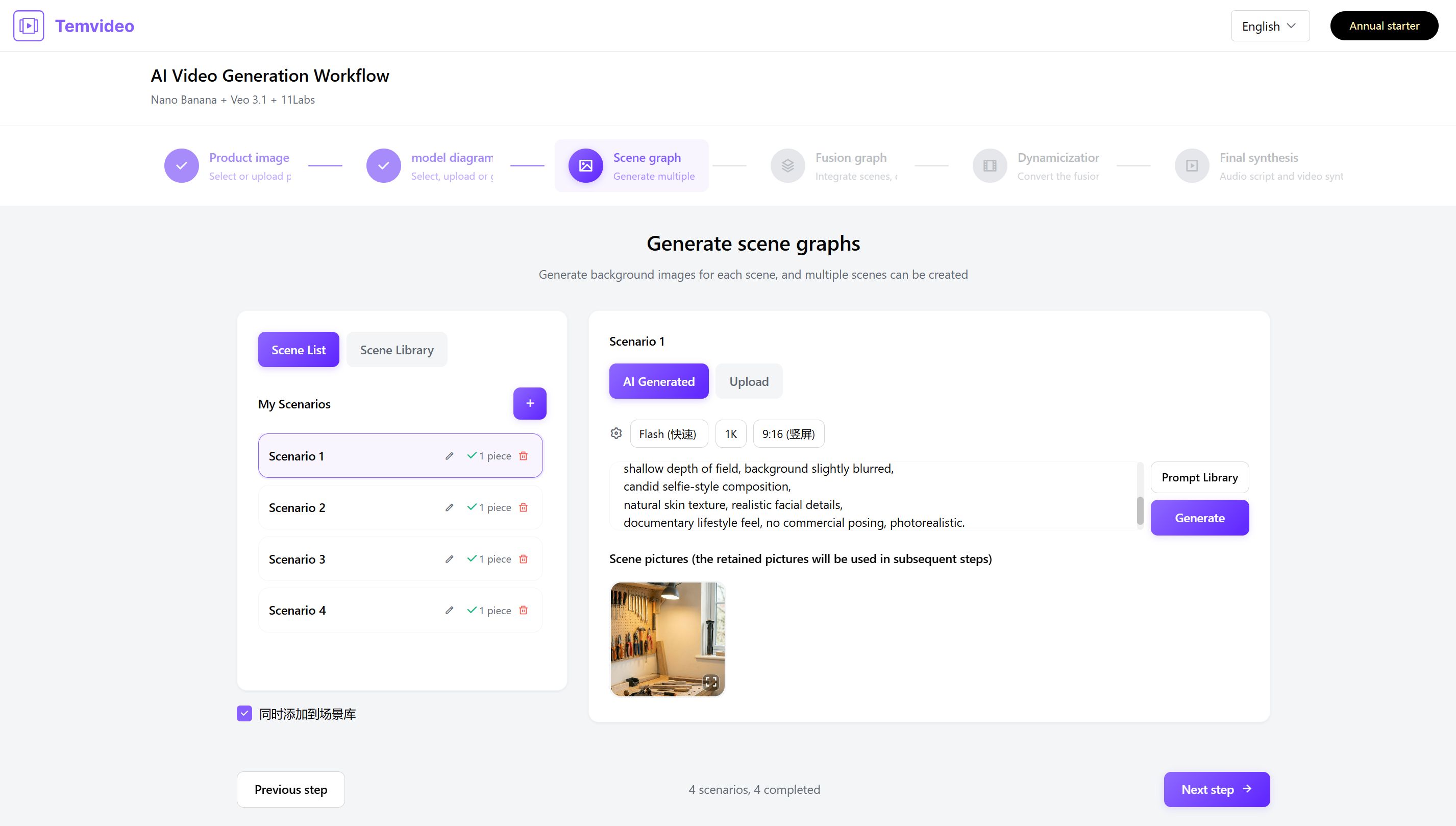
Mode C: Al Workflow (Cinematic Control)
Nano Banana + Veo 3.1 + 11Labs+Lip-Sync
Best for: Pro users who demand pixel-perfect control over every frame.The Workflow:
Product: Upload or select from your library.
Model: Upload, generate via prompt, or select a stock model.
Scene: Upload or generate scenes (using our built-in Prompt Library).
Fusion: Intelligently blend Product + Model + Scene into a high-quality main visual.
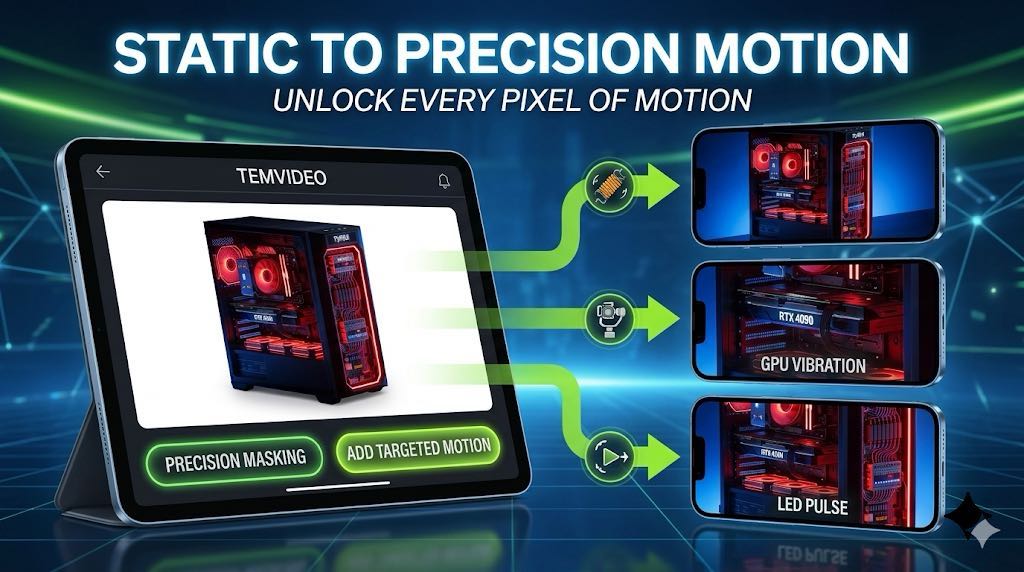
Animation: Convert static visuals into dynamic video clips.
Lip-Sync (Optional): Upload audio to perfectly sync the model’s lip movements.
Final Synthesis: Write/generate script (adjust emotion), choose music and subtitle style. The AI auto-edits the video based on voiceover timing.
3. Professional Video Editor: The Final Polish
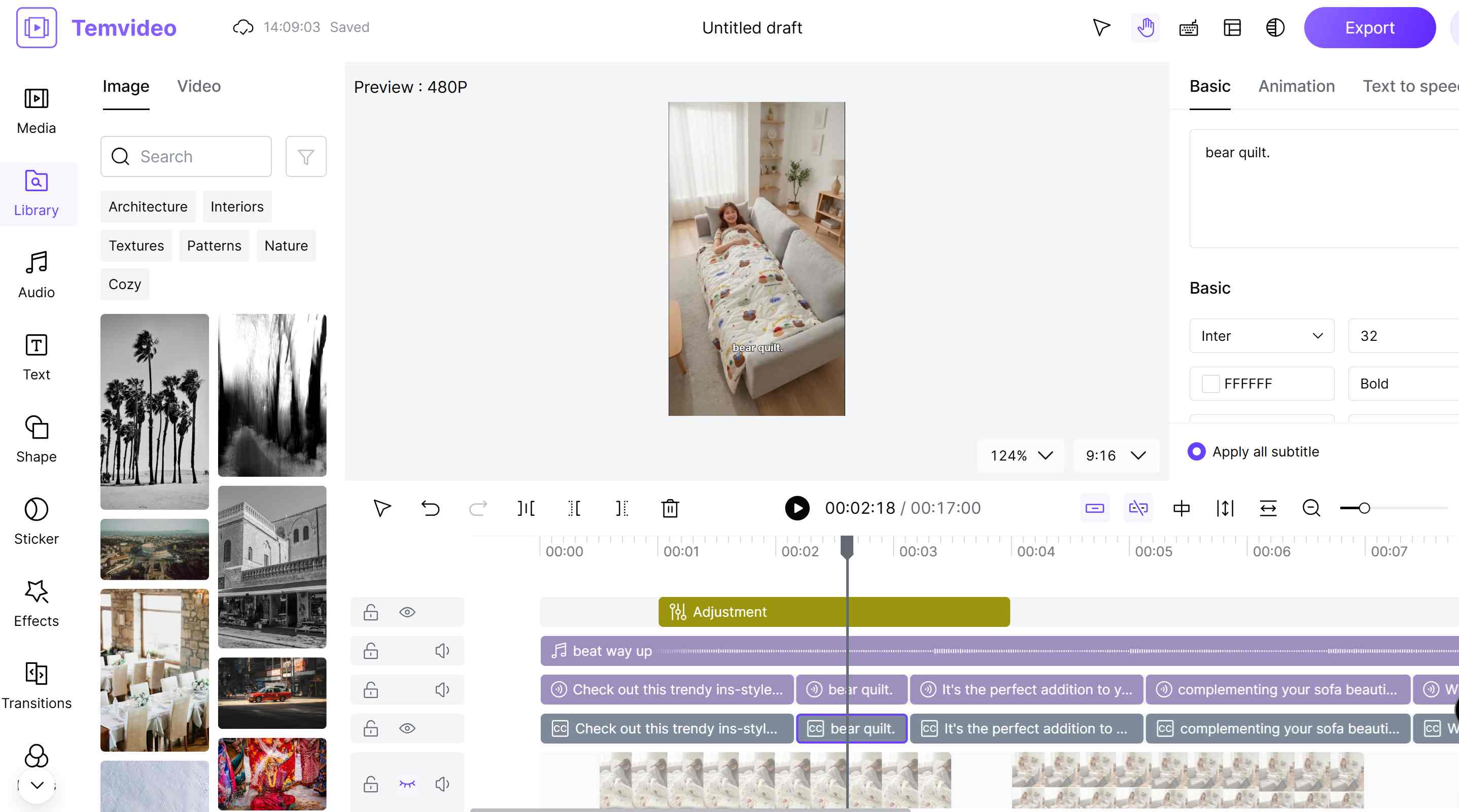
All generated videos can be refined in our powerful built-in editor.
Basic Editing: Trim, split, and adjust speed.
Audio Control: Replace or tweak voiceovers and background music.
Visual Enhancements: Chroma key (green screen), filters, and color grading.
Dynamic Effects: Add animations to text/stickers, apply transitions, and use keyframes for complex motion.
Subtitle Refinement: Adjust subtitle styles and timing with precision.
Summary: From Inspiration to Publication
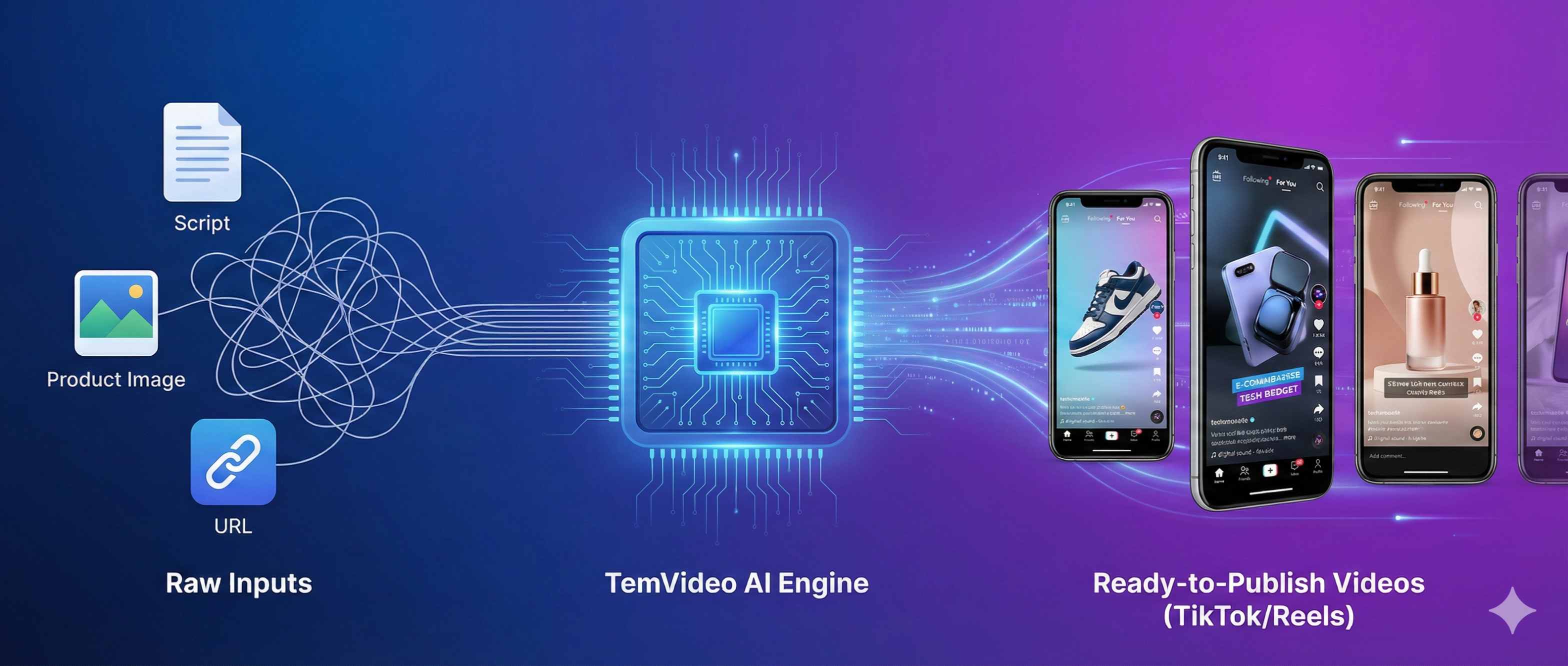
TemVideo is designed to be a complete productivity loop: Market Insights (Text) → Intelligent Creation (Video) → Refinement (Editor) → Direct Distribution (TikTok Release).
Whether you start with a single link, a pile of raw footage, or a clear creative vision, TemVideo provides the optimal path to turn your ideas into professional, high-converting video assets that drive business growth.
Start today and unleash your video creativity with TemVideo!
Tags
Ready to get started?
Join TemVideo and start creating videos with thousands of creators
Start for Free