Forget the "Screen Record" Hack: How to Get Pro AI Loops (Up to 120s!) Without the Headache
Tired of glitchy, screen-recorded clips? Discover why "free" AI tools cost you time and how TemVideo's zero-prompt workflow delivers professional 120s videos.

Let’s be real: we’ve all spent way too much time on Reddit threads looking for that "one weird trick" to get high-quality AI video for free. One common vibe in the community is that if a tool lets you generate for free but charges for the download, you should just screen record it and call it a day.
I’ve been down that rabbit hole. I've tried Grok’s daily freebies and wrestled with Ellydee’s chaotic prompting. But if you’re tired of losing quality to screen captures or fighting with AI that turns your beautiful image into a "7/10" melted mess, you need to check out TemVideo.
While it's not a "total free-for-all" (let's face it, good GPUs aren't free), it offers a much smarter way to get professional results. Here’s why it’s becoming the go-to for serious creators.
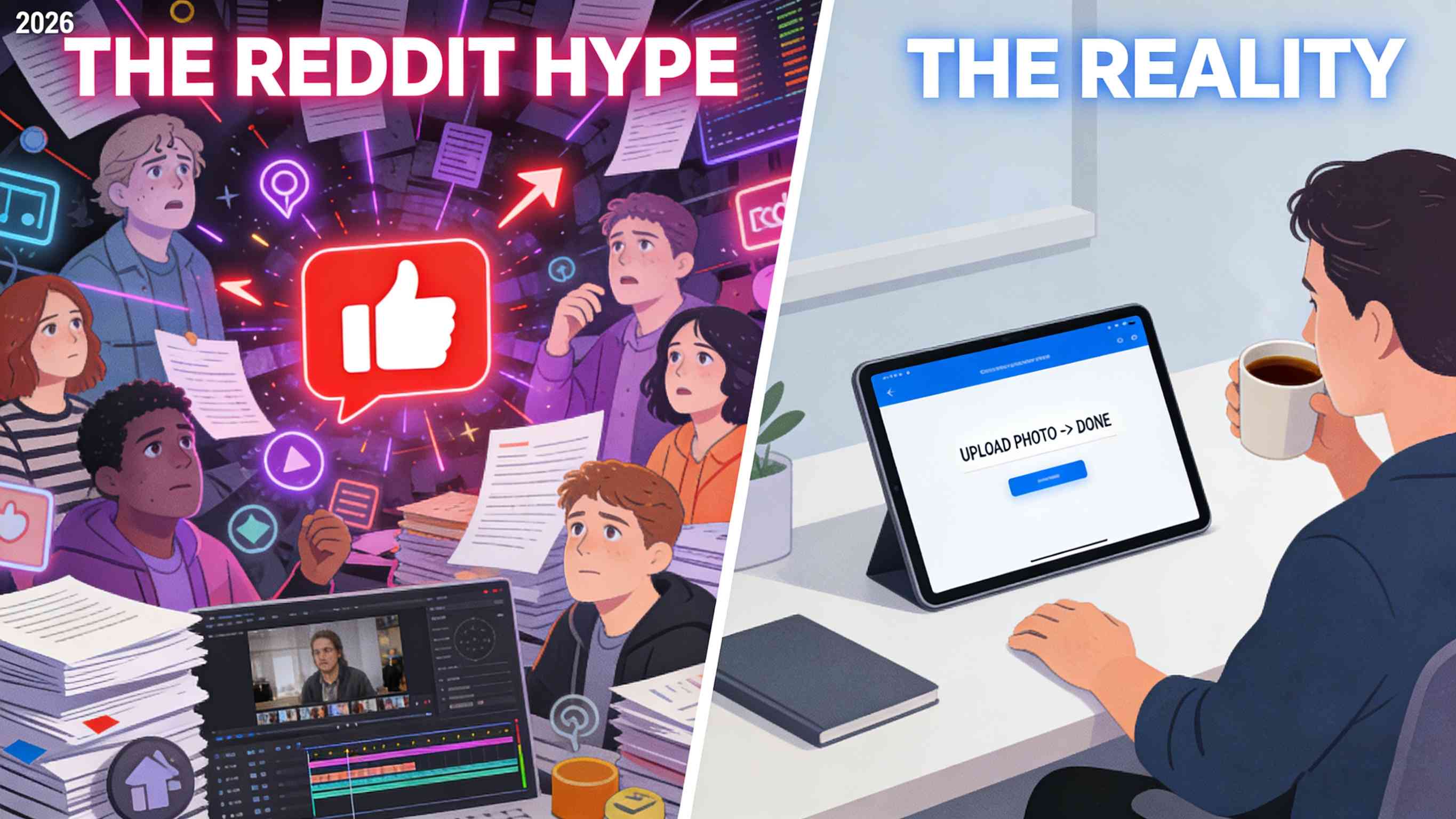
The Reddit Struggle: Why "Free" Often Costs More Time
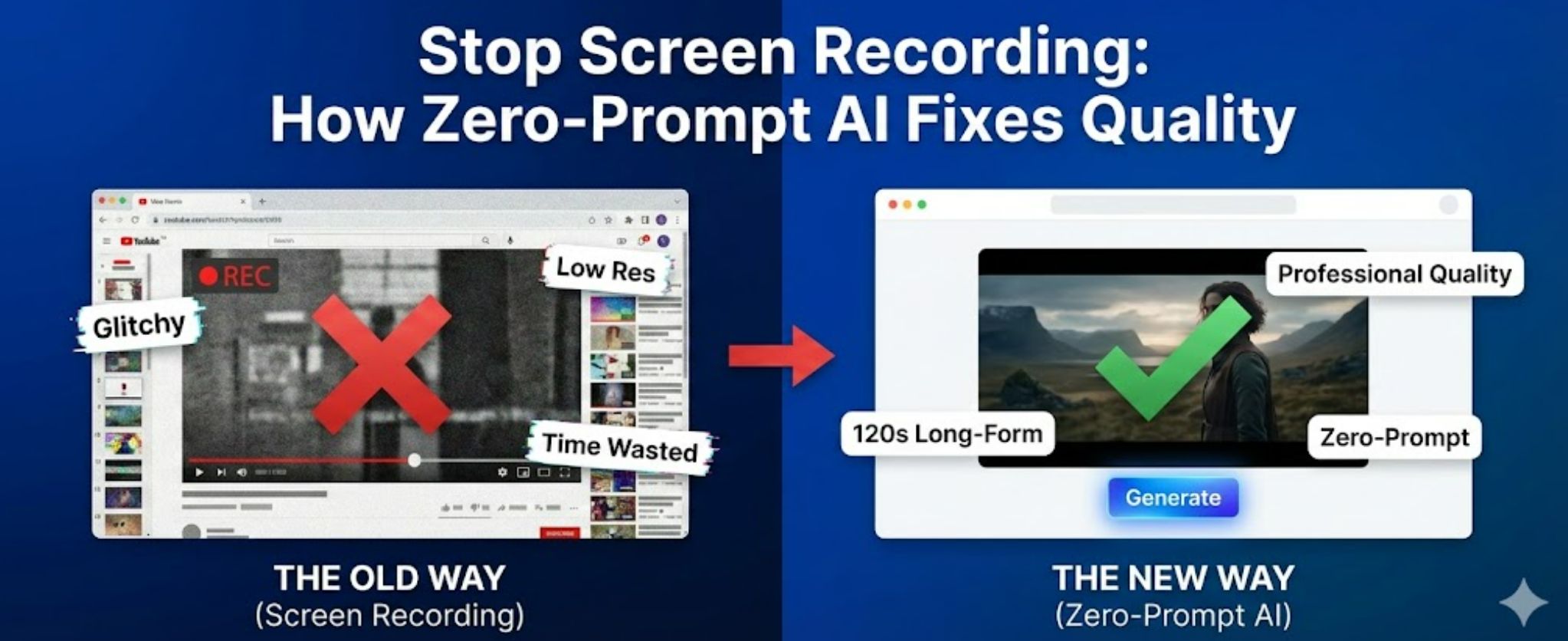
The old-school advice (like we saw in those Reddit comments) suggests that as long as it generates free clips, you can just record your screen. But according to recent deep-dives into AI video consistency, screen recording leads to massive quality loss. Here’s why that sucks: Prompting is hard. Tools like Qwen or Z-image are notoriously sensitive. If your prompt isn't perfect, your video "warps" or the face melts after two seconds.
Grok is great for quick, watermark-free daily clips, but it lacks deep editing control.
Ellydee gives you freedom, but the user experience can feel like a "dirtier version of ChatGPT" where you're constantly troubleshooting the AI's logic.
TemVideo takes a different approach. It’s built for people who want narrative-driven loops and high-converting content without having to write a 500-word prompt for a 5-second clip.
How to Level Up Your Video Workflow with TemVideo
1. The "Zero-Prompt" Advantage
Most tools mentioned on Reddit fail because they require you to be a "Prompt Engineer." TemVideo uses a No-Prompt AI system. You upload your image, and the AI analyzes the visual elements to decide the best motion path—whether it’s a cinematic pan, subtle character movement, or a seamless loop. No more "prompt fatigue."
2. Deep Content: From 15s to 120s
While most free generators give you a tiny 3 or 5-second snippet that you have to loop manually, TemVideo is a beast when it comes to length. You can generate structured, story-driven videos ranging from 15 seconds all the way up to 120 seconds.
Need a quick social loop? Go for 15s.
Need a full-blown product showcase or a storytelling piece? Push it to 120s.
This is a massive jump from the basic "moving photo" clips you find elsewhere.
3. Pro-Level Editing (No Recording Necessary)
Instead of screen recording a grainy preview and cropping it later, TemVideo gives you a built-in editing suite. You can tweak the script, adjust the music, and fine-tune the timeline right in the platform. When you're done, you get a clean, high-resolution export that's actually usable for professional work.
Is it Free? (The Honest Truth)
I’m a "straight-talk" user: TemVideo is a premium tool with a generous entry point. * The Credits: You get free trial credits to test the waters. This isn't a "preview only" tease—you can actually generate and see the quality for yourself.
The Value: Once your trial credits are up, it moves to a paid model. But compared to the hours spent "screen recording" and fixing "7/10 quality" errors from other tools, the time you save—especially on those long 120s videos—is well worth the investment.
FAQ:
Q: Do I really not need to write prompts?A: Correct. Just upload your image. The AI handles the "storytelling" and motion logic. You can edit the results later, but the heavy lifting is automated.
Q: How does it compare to Grok?A: Grok is awesome for quick, fun social clips. TemVideo is for when you need a "finished product"—something with a logical flow, better resolution, and professional-grade editing.
Q: Can I create 2-minute videos from one image?A: Yes! TemVideo supports durations up to 120 seconds, which is perfect for YouTube Shorts, TikToks, or even long-form ads.
Q: What happens when I run out of free credits?A: You’ll need to top up to keep generating. However, the quality of a 120s AI-generated story usually replaces hours of manual editing, so it pays for itself.
Tags
Ready to get started?
Join TemVideo and start creating videos with thousands of creators
Start for Free