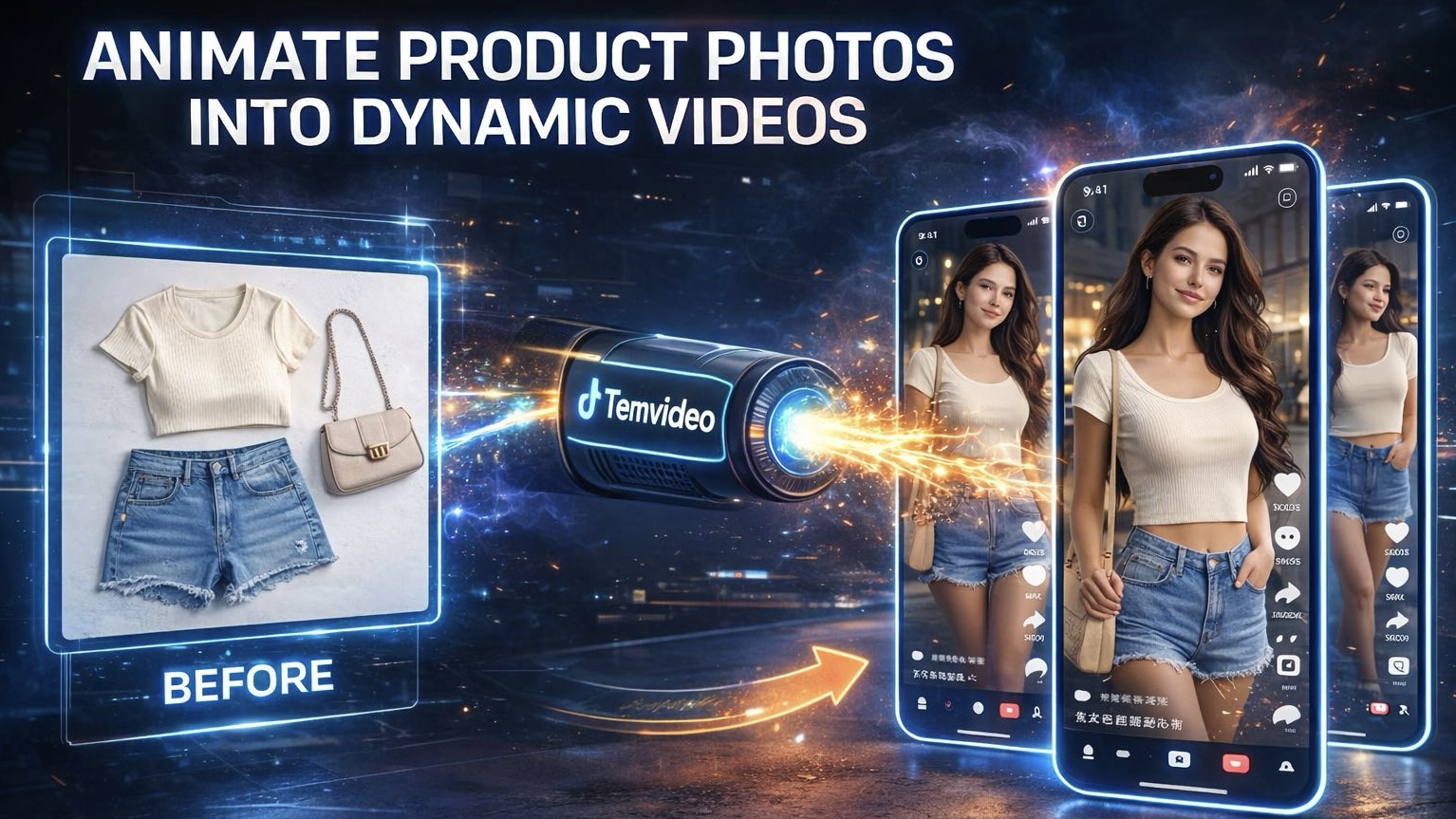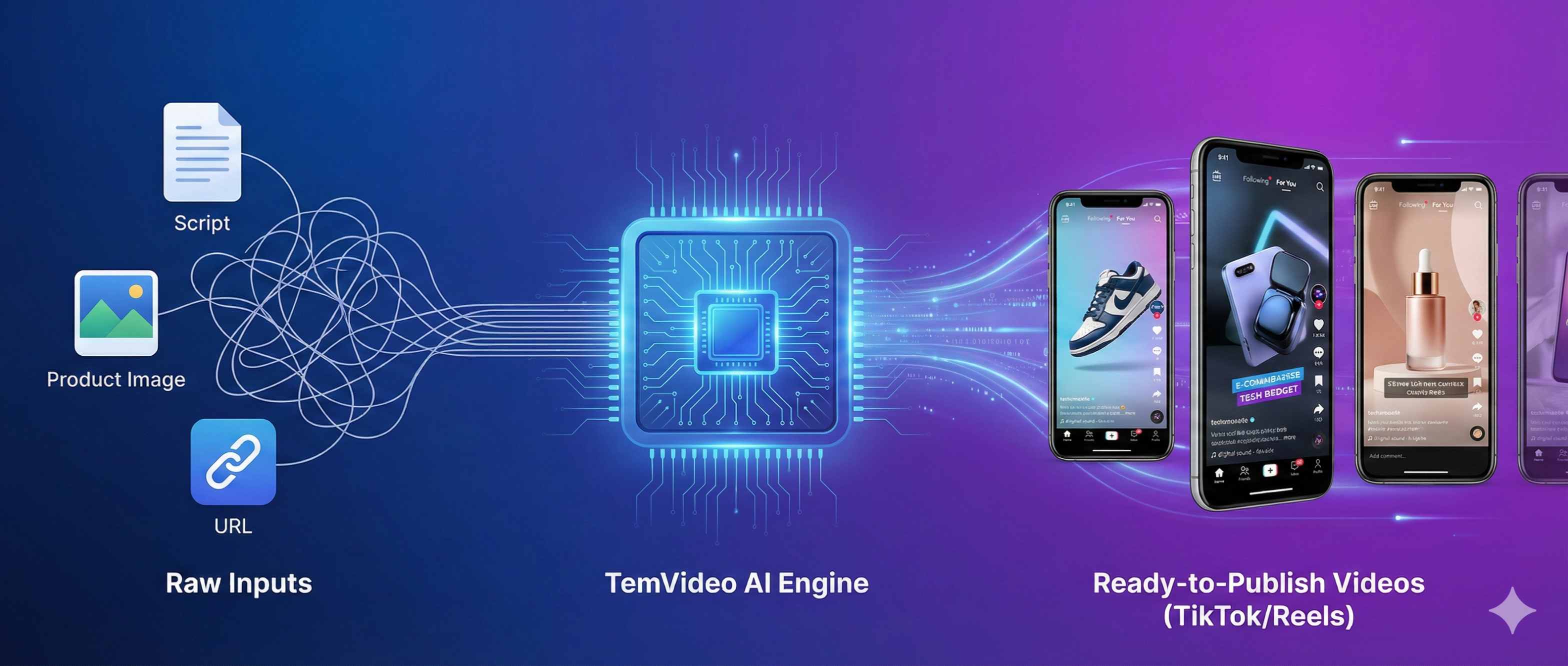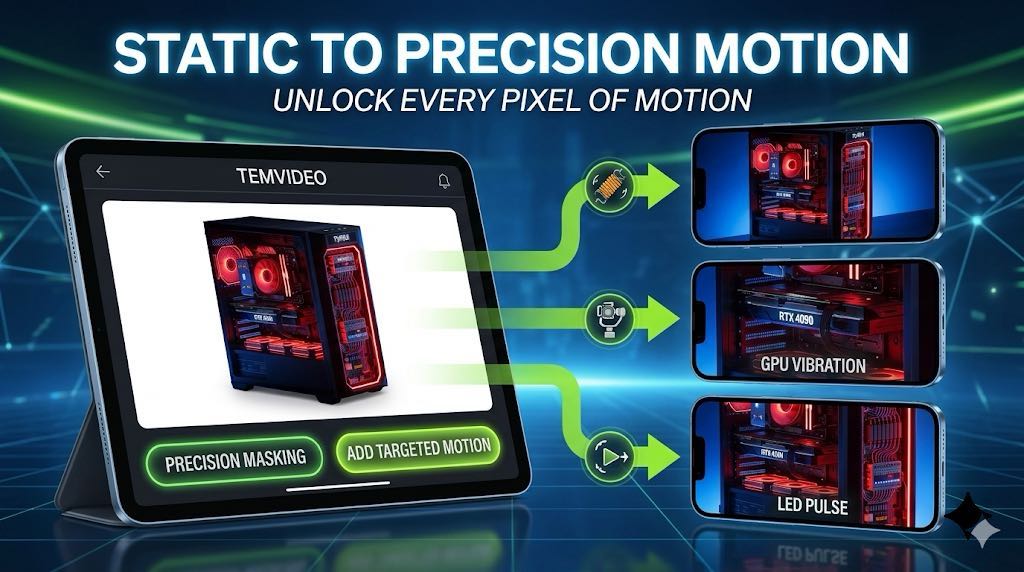
How to Create AI Product Videos from Images: A Step-by-Step Guide
Stop leaving your AI video results to chance. This deep dive reveals how to use temvideo’s Path 3 to surgically control every element—from AI model ethnicities and environmental lighting to frame-by-frame animation and professional lip-syncing. Perfect for creators who demand studio-quality consistency.

In our previous overview, we introduced the three main paths to AI video creation. Today, we are diving deep into Path 3: Precision Image-to-Image Control.
If you’re following along inside TemVideo AI, this path gives you surgical precision over every element—product, model, environment, and audio. If you need a high-end commercial where every pixel aligns with your brand, this is your go-to workflow.
If you’re building pages to rank (or converting readers into customers), it also helps to align with Google’s guidance on creating helpful, reliable, people-first content.
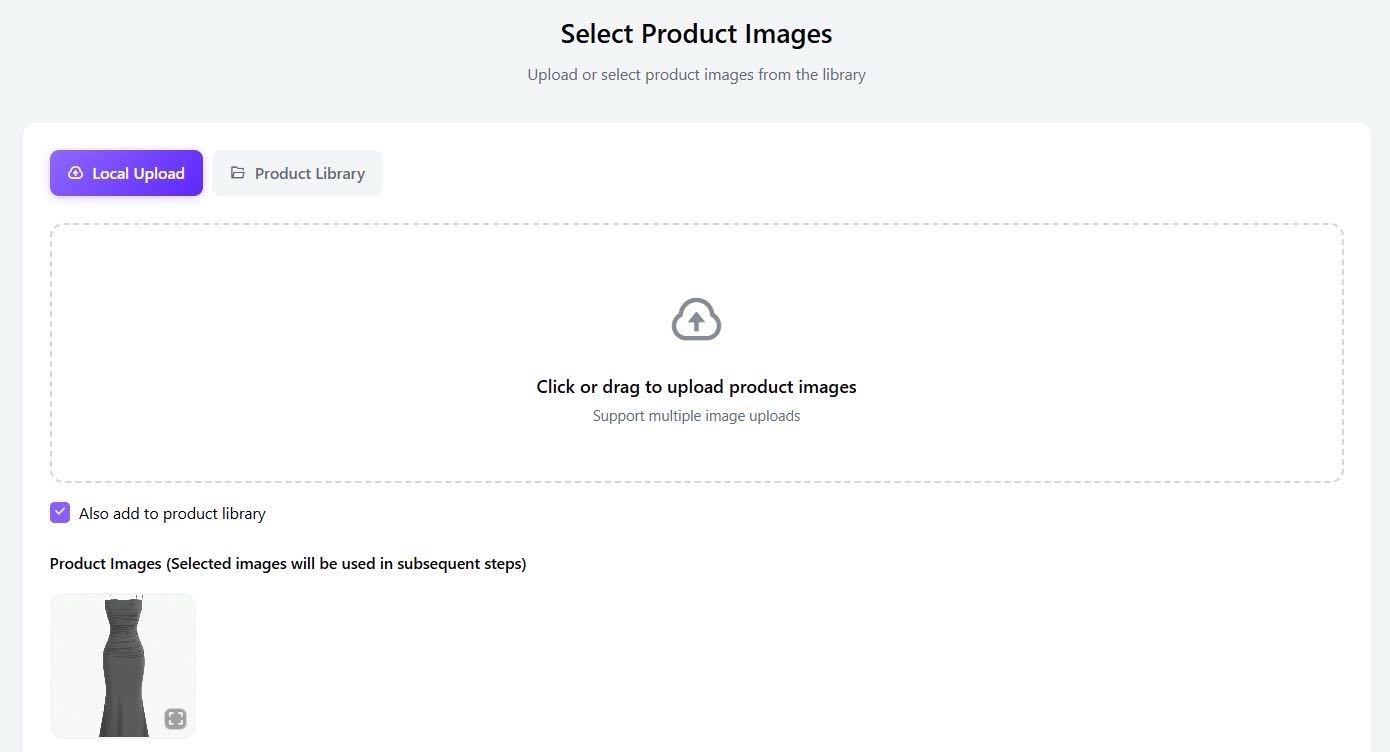
Step 1: Upload Your Hero Product
Everything starts with your product. Upload a high-resolution image of your item. This serves as the "anchor" for the entire generation process, ensuring your product remains the star of the show.
Step 2: Define Your Model (Upload or Generate)
You have two powerful options to bring your product to life:
Upload: Use your own professional model photography.
AI Generation: Don't have a model? Describe your ideal persona. Use prompts like "A blonde woman with a fit physique" or "A charismatic Black man facing the camera."
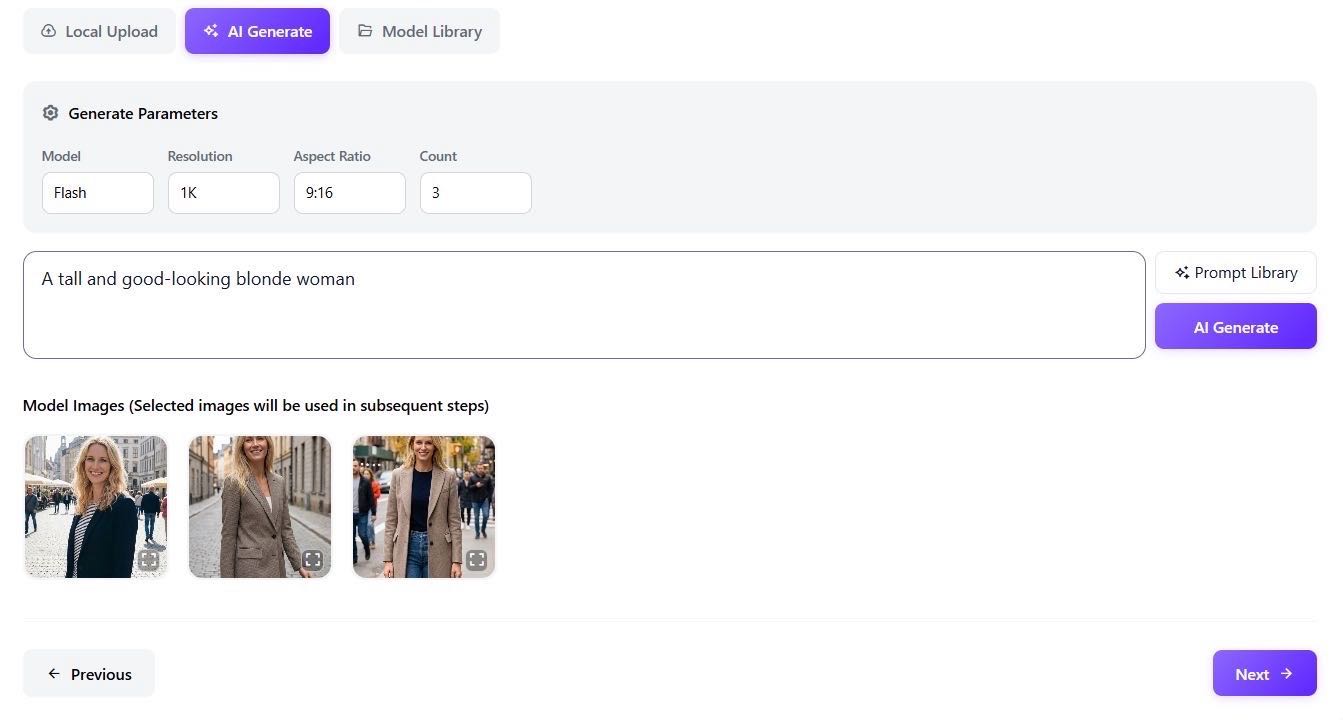
Pro Tip: In the Generation Parameters section, you can fine-tune the quality, aspect ratio, and number of variations. Found a model you like but want a change? Select the image and add a refinement prompt, such as "Change background to plain white."
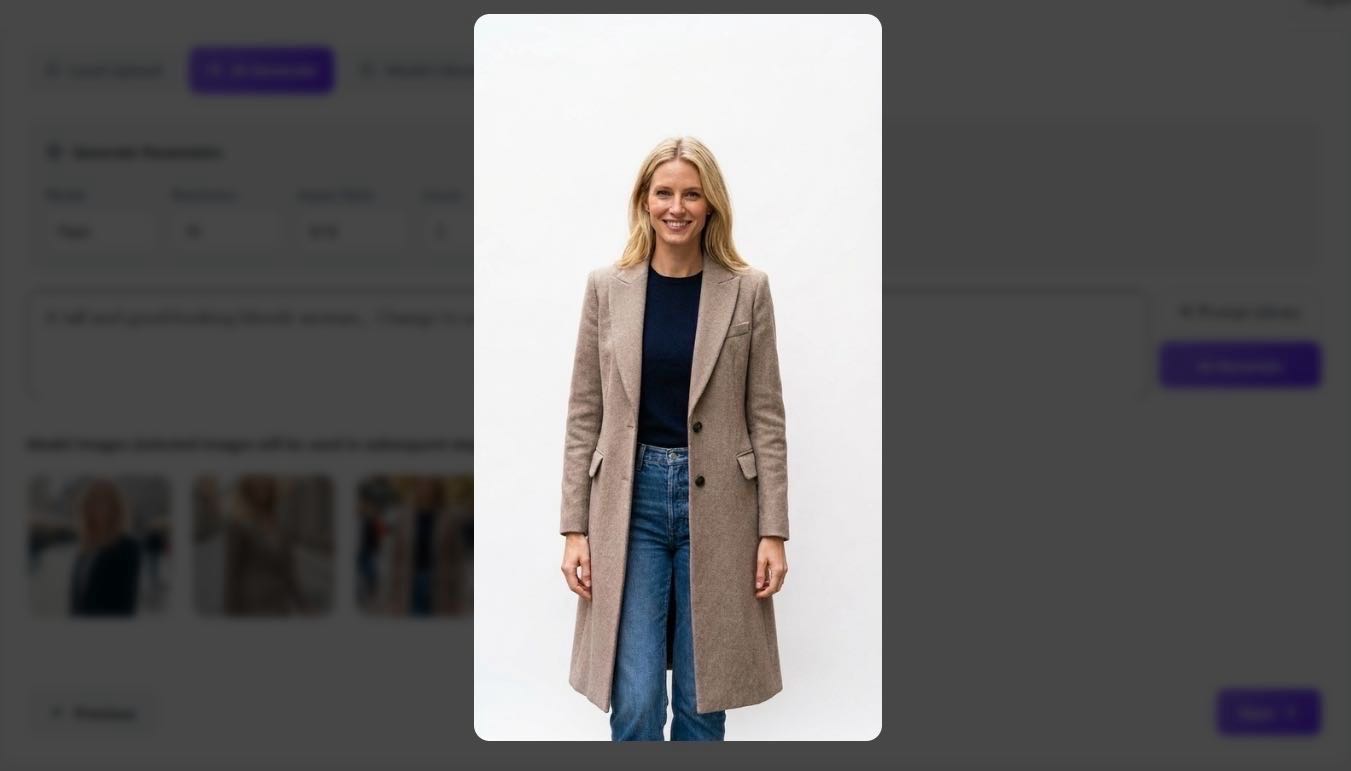
Why does this matter?
According to research from Think with Google, visual content tailored to specific cultural backgrounds significantly strengthens consumer brand affinity.
This allows brands to swap models of different ethnicities (e.g., North American, European, Asian) with a single click to tailor content for diverse target markets. It drastically reduces the overhead of Localization Marketing, enabling you to test multiple regions simultaneously without the cost of local photoshoots.
Step 3: Set the Scene (Environment Control)
Consistency is key. Upload a specific background image or let our AI build a world for you.
Example Prompt: "A warm-toned, modern European-style bedroom." This ensures your product exists in a space that matches your brand aesthetics perfectly.
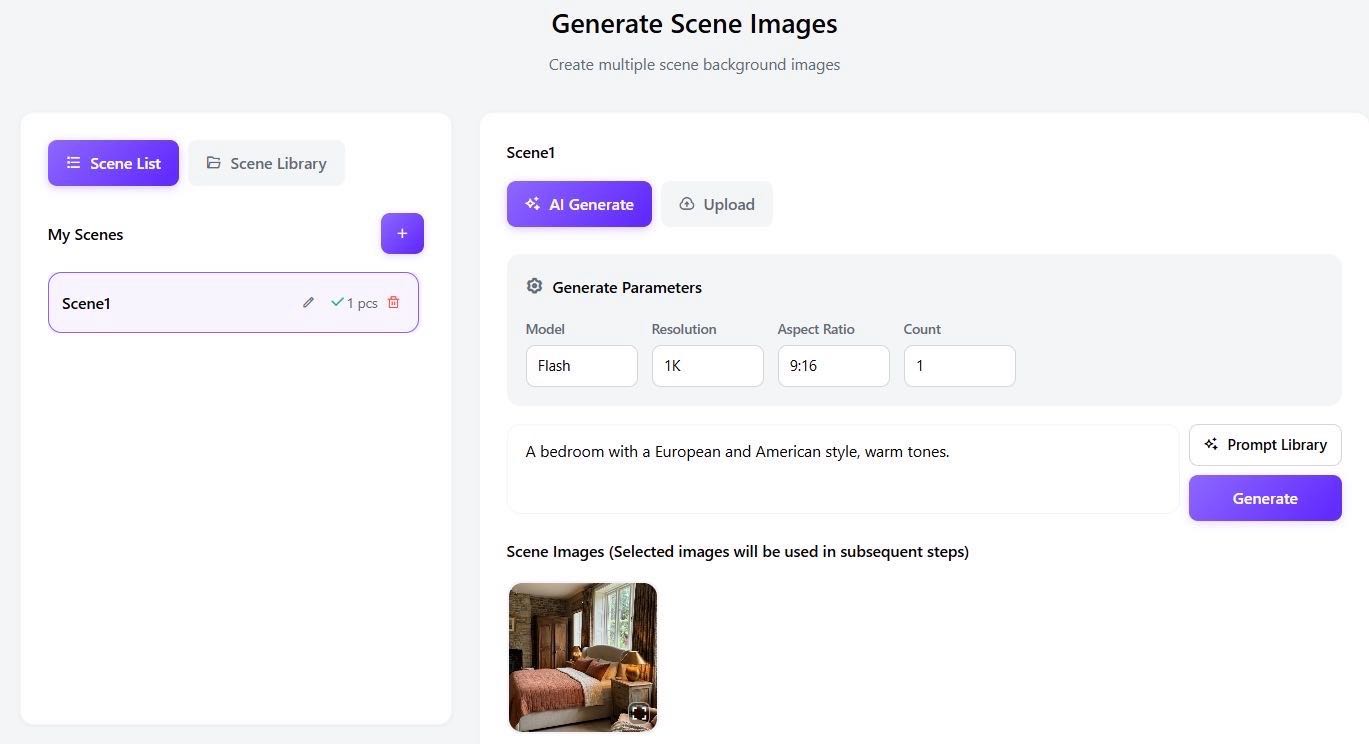
Step 4: Create the Master Composition
Now, blend them together. Select your chosen background and model, then give a functional instruction in the dialogue box:
Prompt: "The woman is sitting on the edge of the bed wearing the dress from the reference photo." Temvideo will merge these elements into a seamless, high-quality static composition.
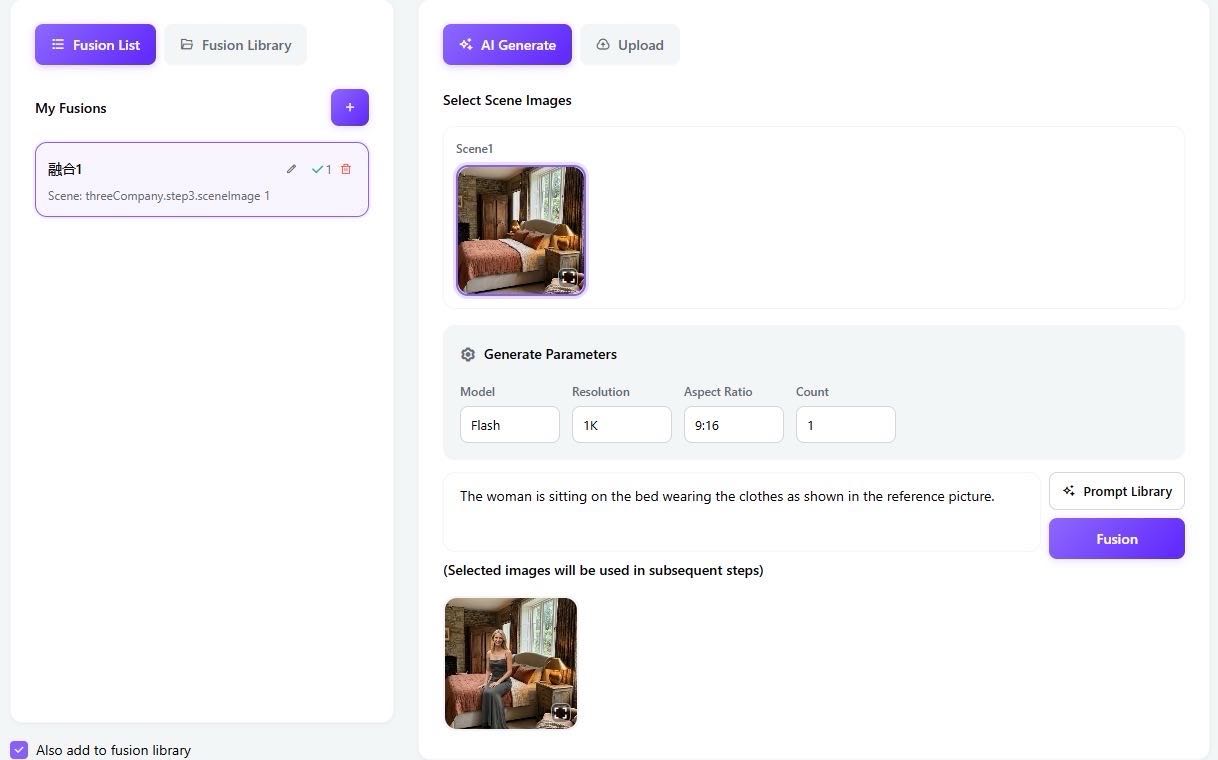
Step 5: Animate – From Image to Motion
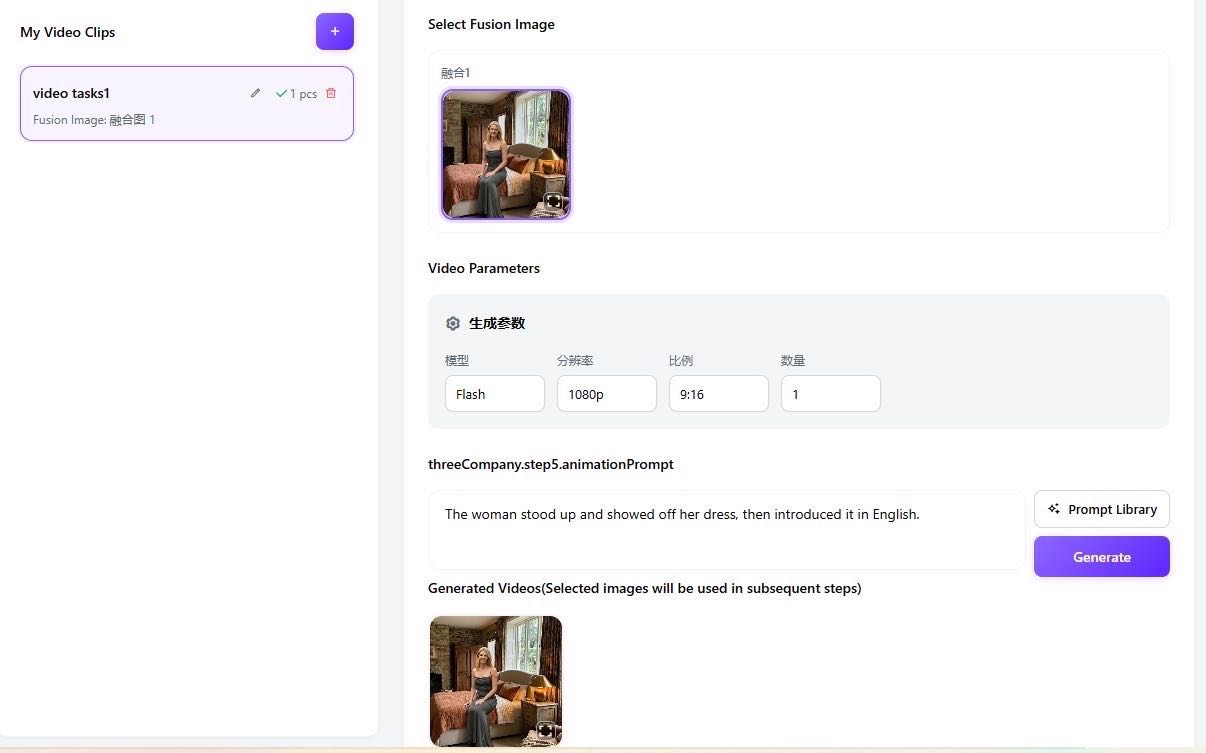
Time to add life. Instruct the AI on how the scene should move:
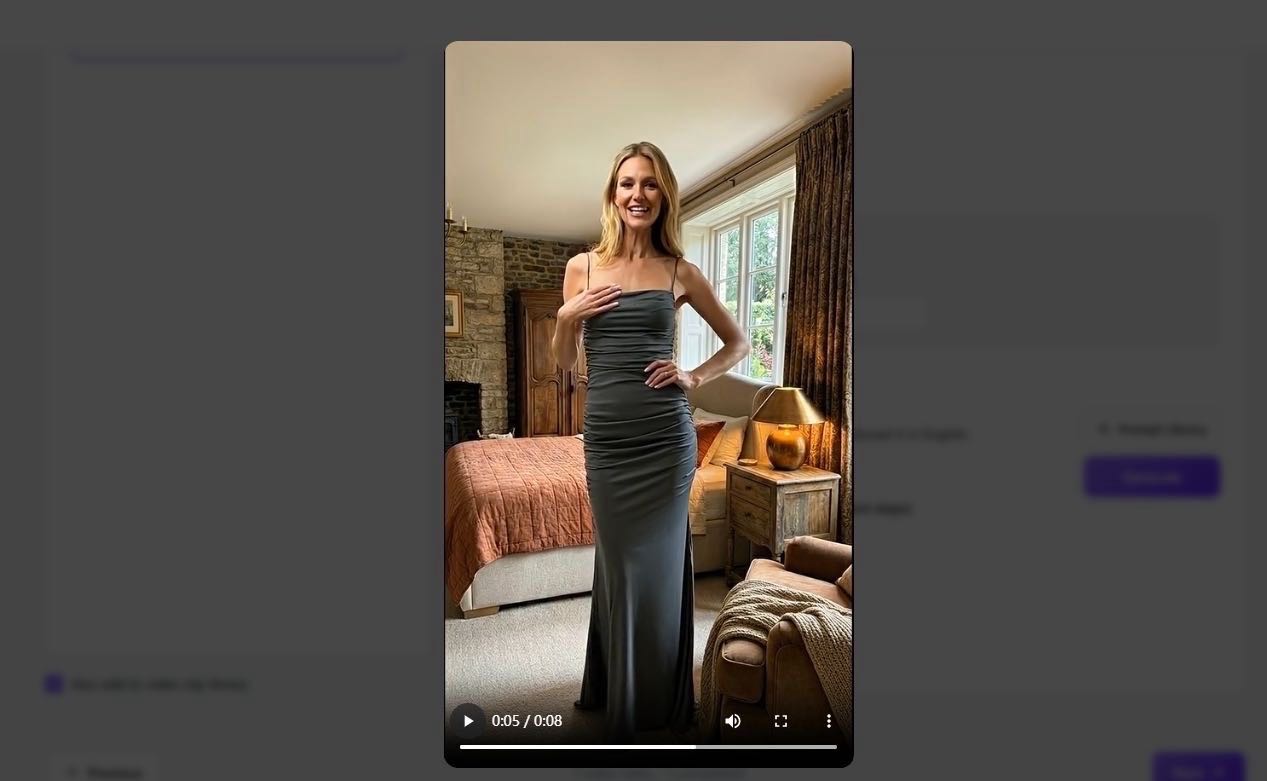
Prompt: "The woman stands up to showcase the dress and begins introducing it in English." Our engine interprets the physics and fabric movement to create a natural, high-definition video clip.
Step 6: Professional Audio & Final Polish
The final step is where the magic of "Precision Control" truly shines:
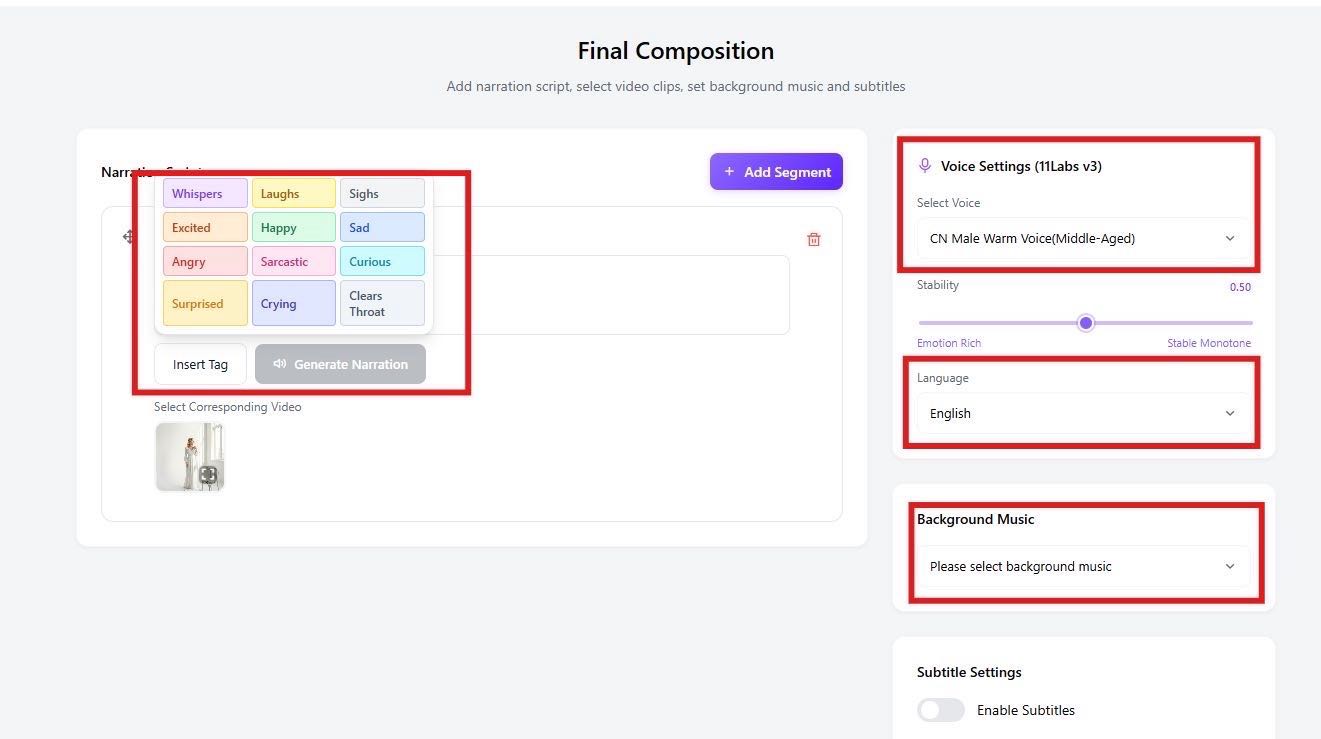
Voiceover & Lip-Sync: Input your script, choose a specific tone (e.g., "Professional" or "Friendly"), and select a voice profile. Our AI will automatically perform precise lip-syncing.
Atmosphere: Add or change background music to fit the mood.
Styling: Customize subtitle fonts and colors to match your VI (Visual Identity).
High-quality voiceovers combined with precision Lip-Sync aren't just 'nice-to-have'—they are conversion engines.
By delivering natural, native-sounding content, you significantly increase Video Completion Rates and ROAS (Return on Ad Spend). When your model speaks the customer's language fluently, trust—and sales—follow.
Maintaining visual consistency is key to brand trust, a principle taught at Canva Design School and temvideo allows you to bake your brand’s DNA directly into every frame.
Why choose Path 3? It offers iterative control. You can regenerate specific steps until the result is perfect. It’s not just AI; it’s your digital film crew.
See the Precision in Action! Words can only describe so much. To truly experience the cinematic quality, click the link below to watch a high-conversion commercial created entirely with temvideo. Witness how we turn a simple product photo into a global brand story! [📺 Watch Our YouTube Showcase]
Ready to create your first precision-controlled video? Start creating on TemVideo AI now.
Tags
Ready to get started?
Join TemVideo and start creating videos with thousands of creators
Start for Free