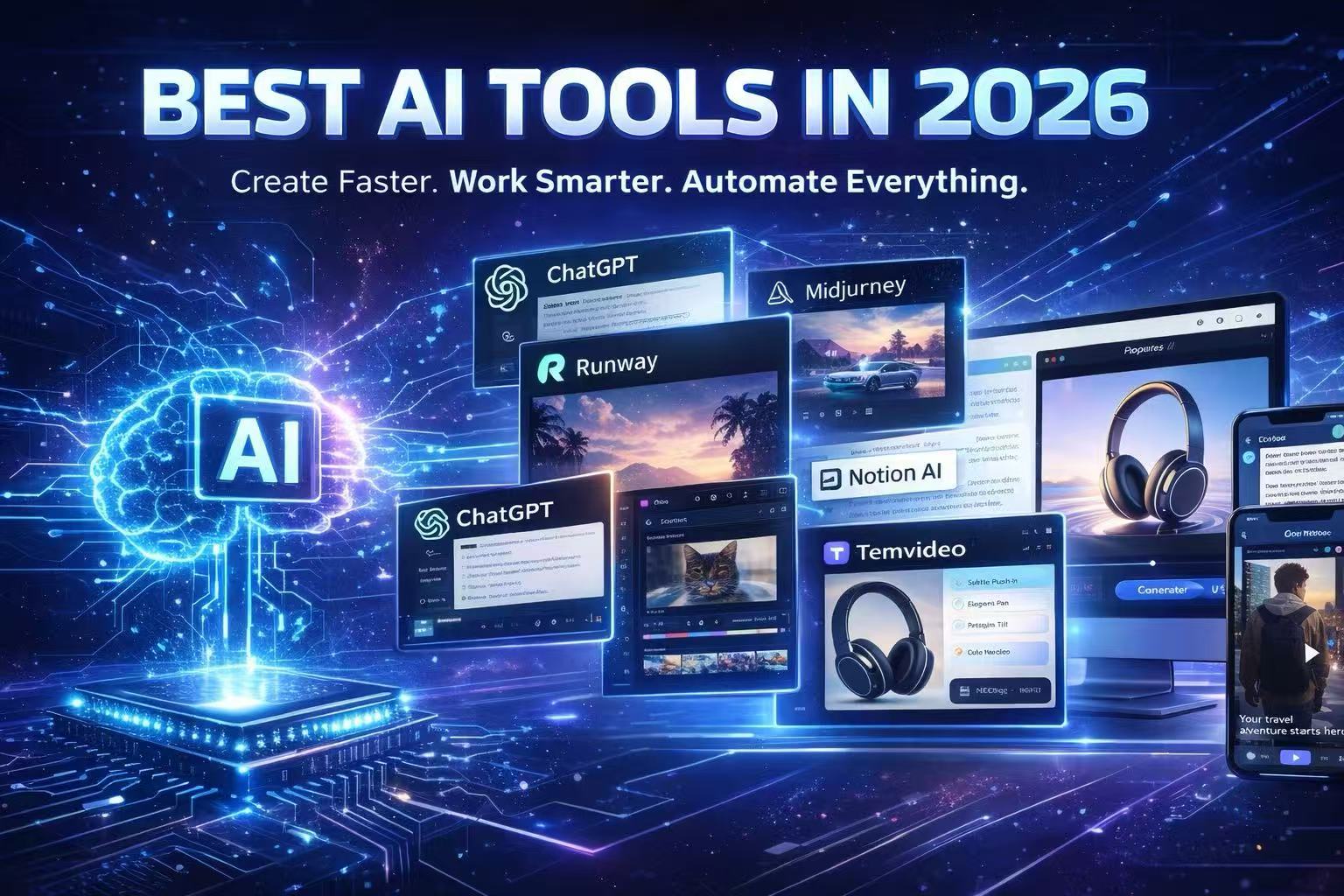
Best AI Video Editors for TikTok Ads (2026): Tested & Ranked
Compare 12 AI video editors for TikTok ads—tested for speed, image-to-video quality, and e‑commerce workflows. Find the fastest tool for DTC teams and try one now.

If you run a DTC brand or a small e‑commerce shop, your TikTok ad pipeline lives and dies by speed. You need vertical 9:16 videos that hit a crisp hook in the first two seconds, keep captions readable, and export cleanly for Ads Manager.
This guide ranks the best AI video editors for TikTok ads in 2026 based on practical, ad‑specific criteria: time‑to‑first‑ad, image‑to‑video quality, TikTok readiness, and how well each tool fits e‑commerce workflows.
How we chose the best AI video editor for TikTok ads 2026?
We evaluated tools with seven weighted criteria designed for ad production rather than general social video:
NLP Command Depth
Asset Awareness & Logic (Image‑to‑video automation quality)
Global Reach & Language Support
Creative Control & Precision
Industry Workflow Fit
Ease of use for non‑editors
Value for money
To keep this list grounded, we also cross-checked feature claims against a small set of third-party roundups that track AI video tools across categories (then validated details inside each product where possible).
Quick Comparison Table: Top Picks for 2026
For broader context beyond TikTok ads, see Zapier’s ongoing roundup of the best AI video generators (useful for sanity-checking which tools are considered category leaders).
Tool | Best for | Top Selling Point |
|---|---|---|
TemVideo | DTC & E-com ROI | NLP Command + Asset Logic. Talk to your video and it edits itself. |
CapCut | Creative Hobbyists | Trending Assets. Access to every TikTok viral song/filter instantly. |
VEED | Marketing Teams | Subtitle Accuracy. The go-to for quick browser-based cleanup. |
Descript | UGC/Talking Head | Script-Based Editing. Edit video by deleting words in a transcript. |
Runway | High-End Visuals | VFX Prowess. Create impossible visuals from text alone. |
The Top AI Video Editors for TikTok Ads in 2026
If you want a second opinion on the wider AI-video landscape (not just TikTok ads), TechRadar maintains a frequently updated guide to the best AI video editors, which is helpful for comparing category strengths (generative video vs. editing vs. captioning).
1. TemVideo AI — Best for Semantic Image-to-Video & Global Scaling
Best for: DTC brands and global marketers who need to turn static product photos into logical, high-converting video narratives via natural language.
TemVideo focuses on turning a small set of product assets into a structured ad draft using natural-language instructions and image-to-video generation. If your workflow starts with product photos (or you’re constantly testing new angles for the same SKU), that “assets-first” approach can reduce the time you spend storyboarding and sequencing shots manually.
You can then refine the result in the built-in editor to tighten pacing, captions, and the first two seconds (where TikTok ads typically win or lose attention).
Standout AI Features:
Prompt-Driven Asset Logic: Converts static photos into a coherent, instruction-led draft rather than generic motion.
Post-Gen Refinement: Edit the AI draft to adjust structure, pacing, and overlays.
140+ Language Engine: Generate localized variants for global markets.
Workflow: Upload images + write instructions → AI generates a draft sequence → refine in editor → export localized versions.
Relevant links:
For an overview of TemVideo’s image-to-video workflow, see the TemVideo AI mobile image-to-video page.
For an example of AI-assisted creative research and scripting workflows, see TemVideo’s guide on AI agent skills for video creation.
2. CapCut — Best for Mobile-First Trending Content
Best for: Solopreneurs who want to ride the wave of the latest TikTok trends with zero cost.
Standout AI Features: Auto captions, AI "Script to Video" (general templates), and viral filter integration.
Pros: Unbeatable library of trending music and stickers; native TikTok sharing.
Cons: Lacks semantic understanding of specific product assets; requires manual labor to build a logical "sales hook" from scratch.
3. VEED — Best for Fast Browser-Based Subtitles
Best for: Marketing teams needing a reliable "Swiss Army Knife" for quick cleanup and social resizing.
Standout AI Features: AI Subtitle translator, Eye Contact correction, and background noise removal.
Pros: No software to download; extremely efficient for UGC (User Generated Content) cleanup.
Cons: Cannot generate a logical narrative from a single photo; primarily a manual editing tool with AI "helpers."
4. Runway — Best for High-Concept "Eye Candy"
Best for: Creative agencies pushing the boundaries of surrealism and cinematic visual effects.
Standout AI Features: Gen-4.5 motion control, Multi-Motion Brush, and advanced text-to-video cinematic generation.
Pros: Unmatched visual quality for "impossible" shots; perfect for high-budget brand awareness hooks.
Cons: High "randomness" factor; extremely difficult to create a logically sequenced product ad without significant time and cost.
Buyer’s Guide: Choosing Your Stack
If you start with product photos/links: choose TemVideo. It is the only tool specifically designed to turn a static product page into a dynamic, scripted video ad without manual effort.
If you are repurposing long-form video: Use OpusClip. It’s the gold standard for chopping YouTube videos into TikTok-sized bites.
If you need a "talking head" spokesperson: Use HeyGen. Their AI avatars are perfect for "Founder Story" ads or localized content in multiple languages.
FAQ
Can AI really make TikTok ads from just a product photo?
Yes. Modern tools like TemVideo use generative AI to add motion to static images, create professional voiceovers, and overlay high-performing ad scripts, effectively creating a "video" from a single asset.
Is CapCut better than specialized AI tools?
CapCut is better for editing existing footage. Specialized tools like TemVideo are better for generating ads from scratch when you don't have the time or skills to edit.
How do I ensure my AI ads don't get banned?
Ensure your tool includes a "Safe Zone" overlay. This prevents your captions and CTAs from being covered by the TikTok UI (like the Like button or the caption text), which is a common reason for low ad performance.
Ready to scale your TikTok ad creative?
If you're tired of spending hours in a timeline editor, the fastest way to validate your stack is a timed trial.
Would you like me to generate a specific TikTok video for one of your products to see how TemVideo could frame it?
Ready to get started?
Join TemVideo and start creating videos with thousands of creators
Start for Free